Infographic Là Gì Explained in Simple Steps
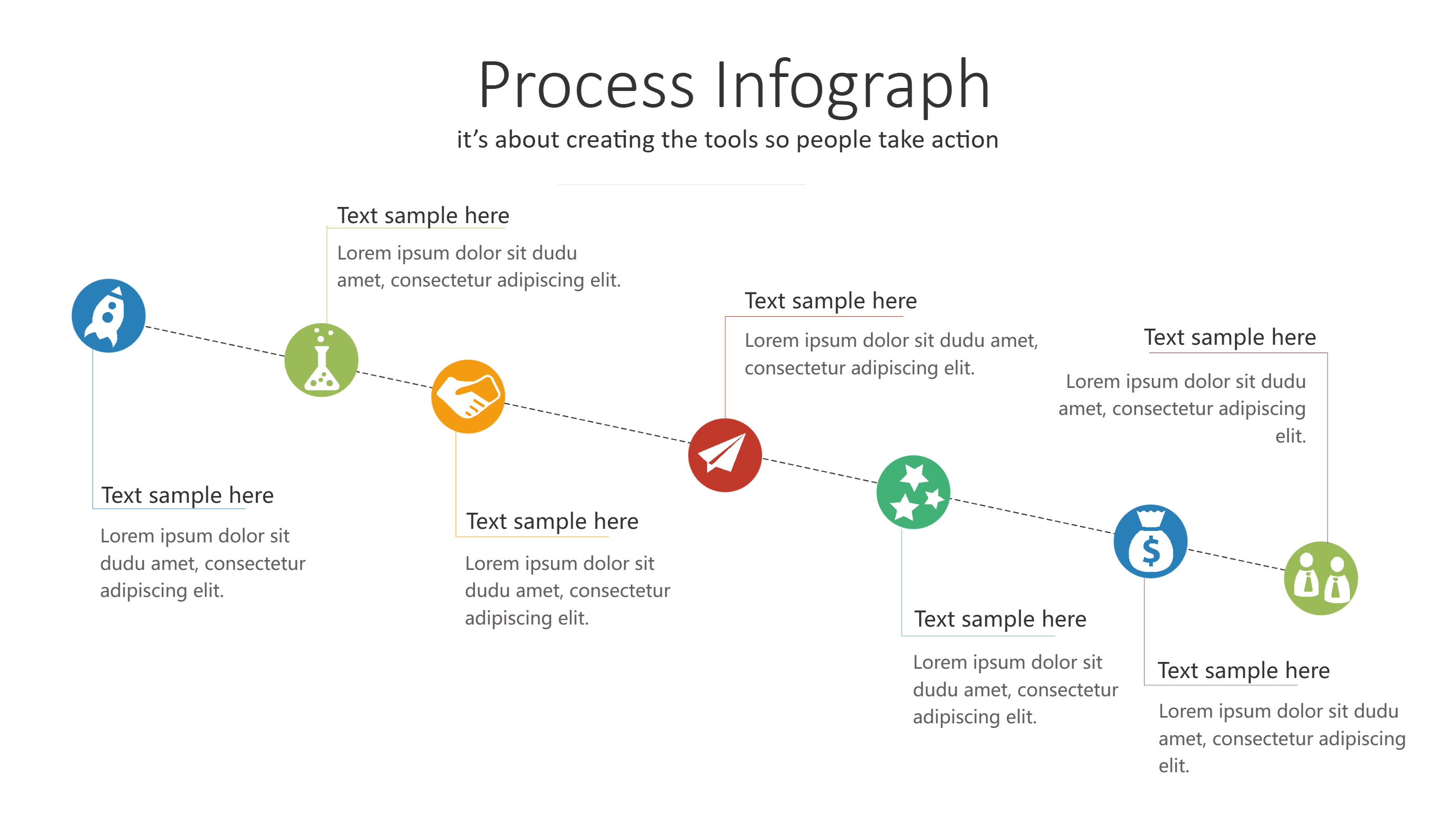
What is Infographic Là Gì Infographic
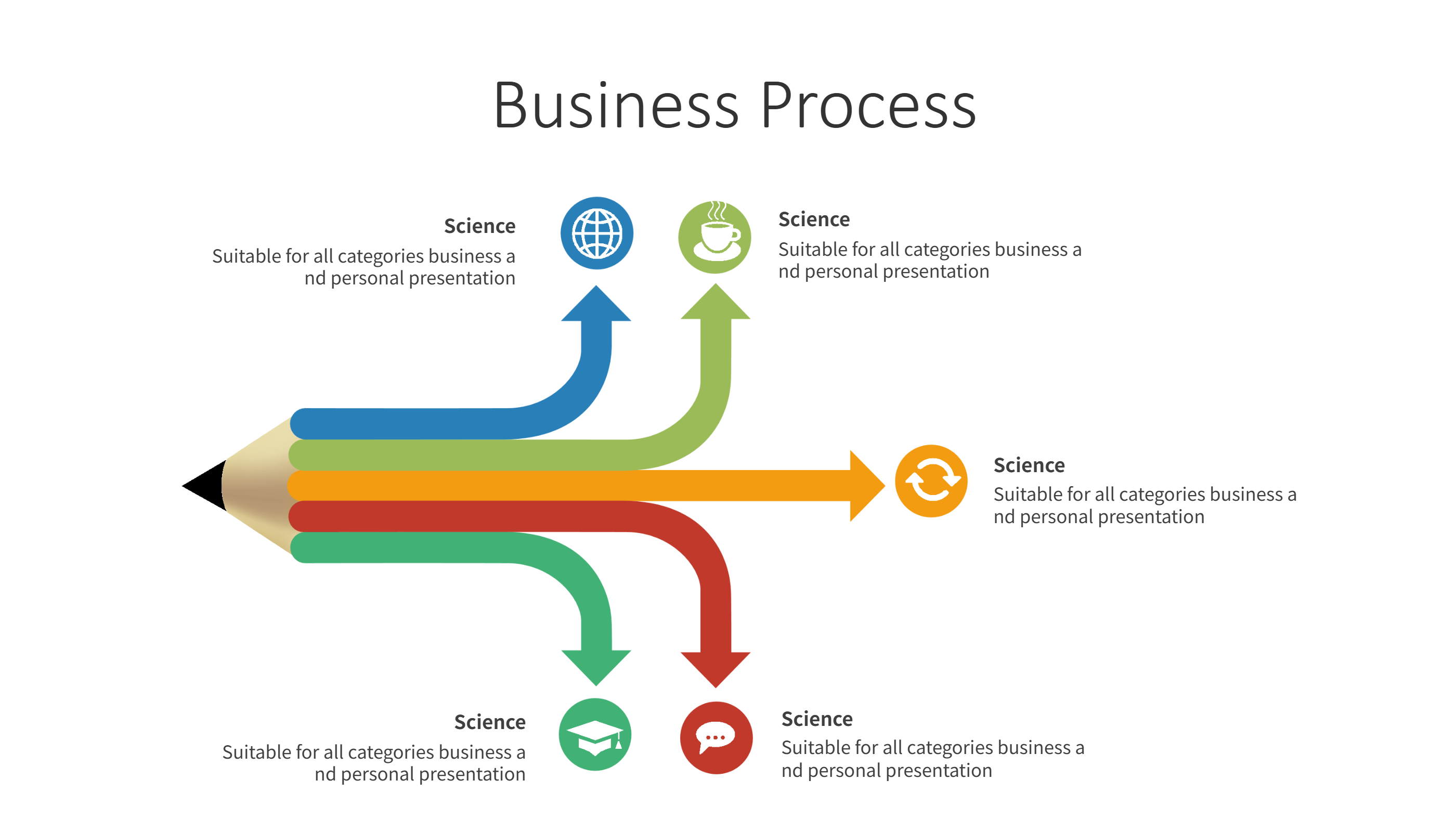
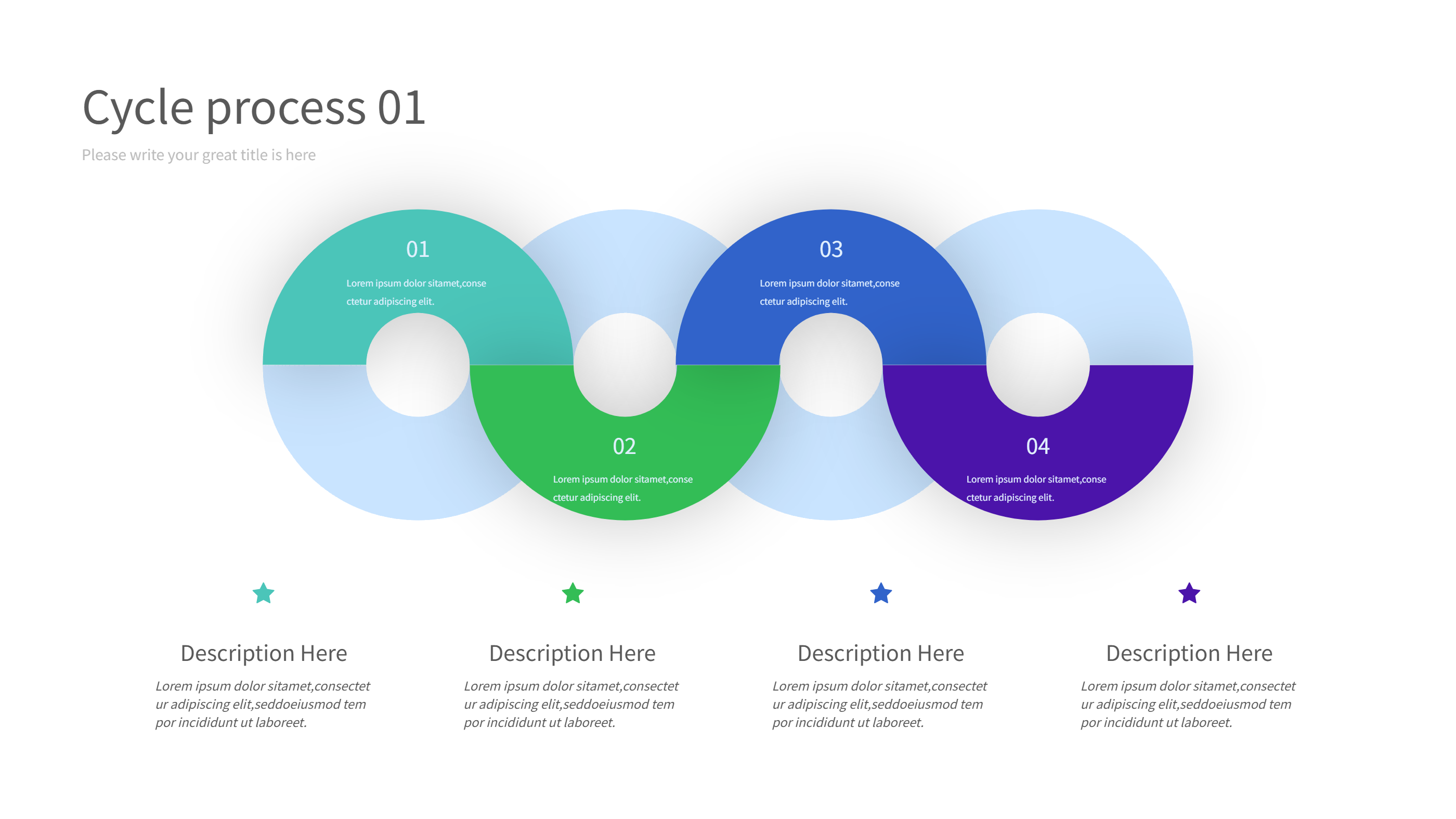
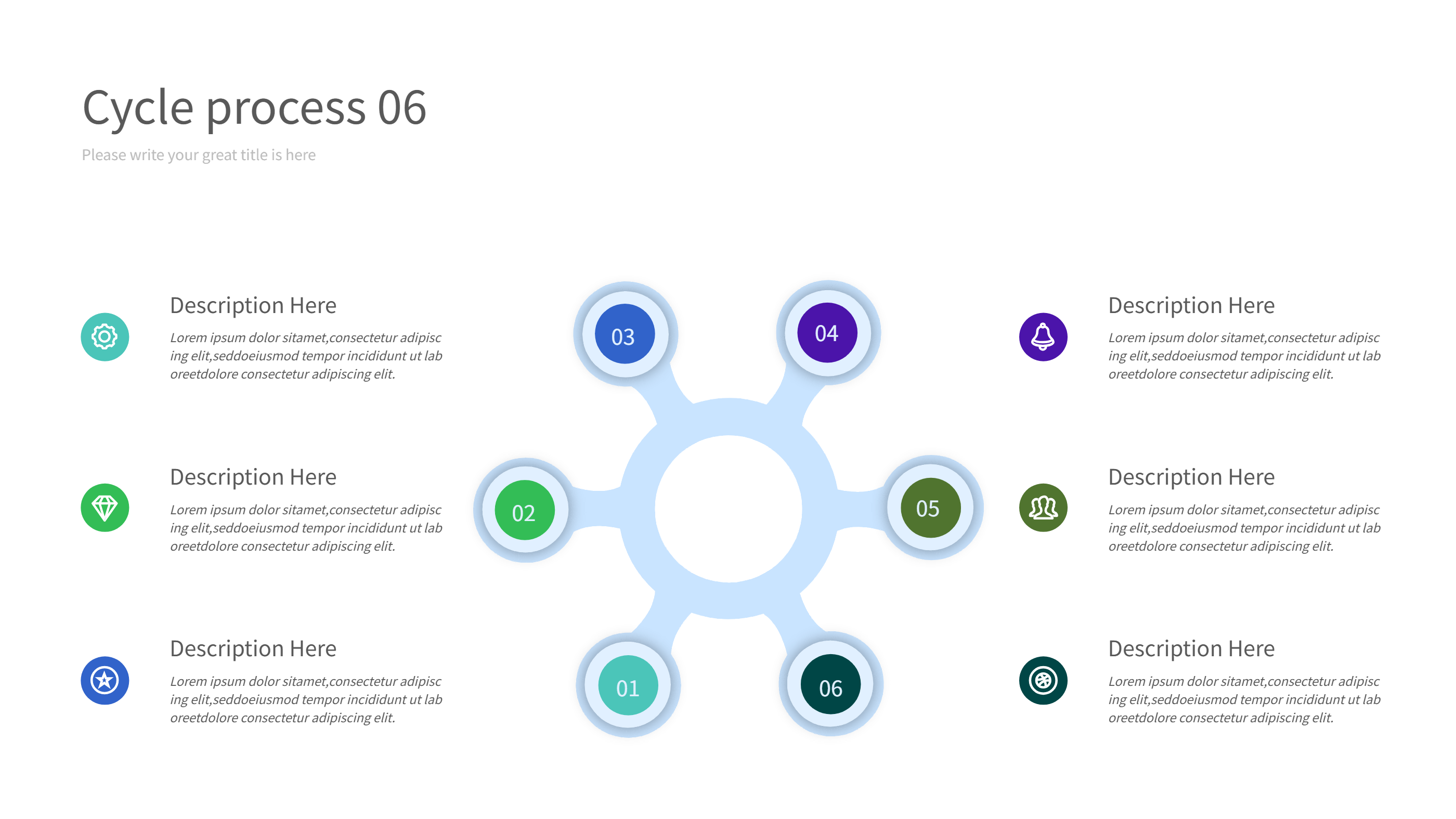
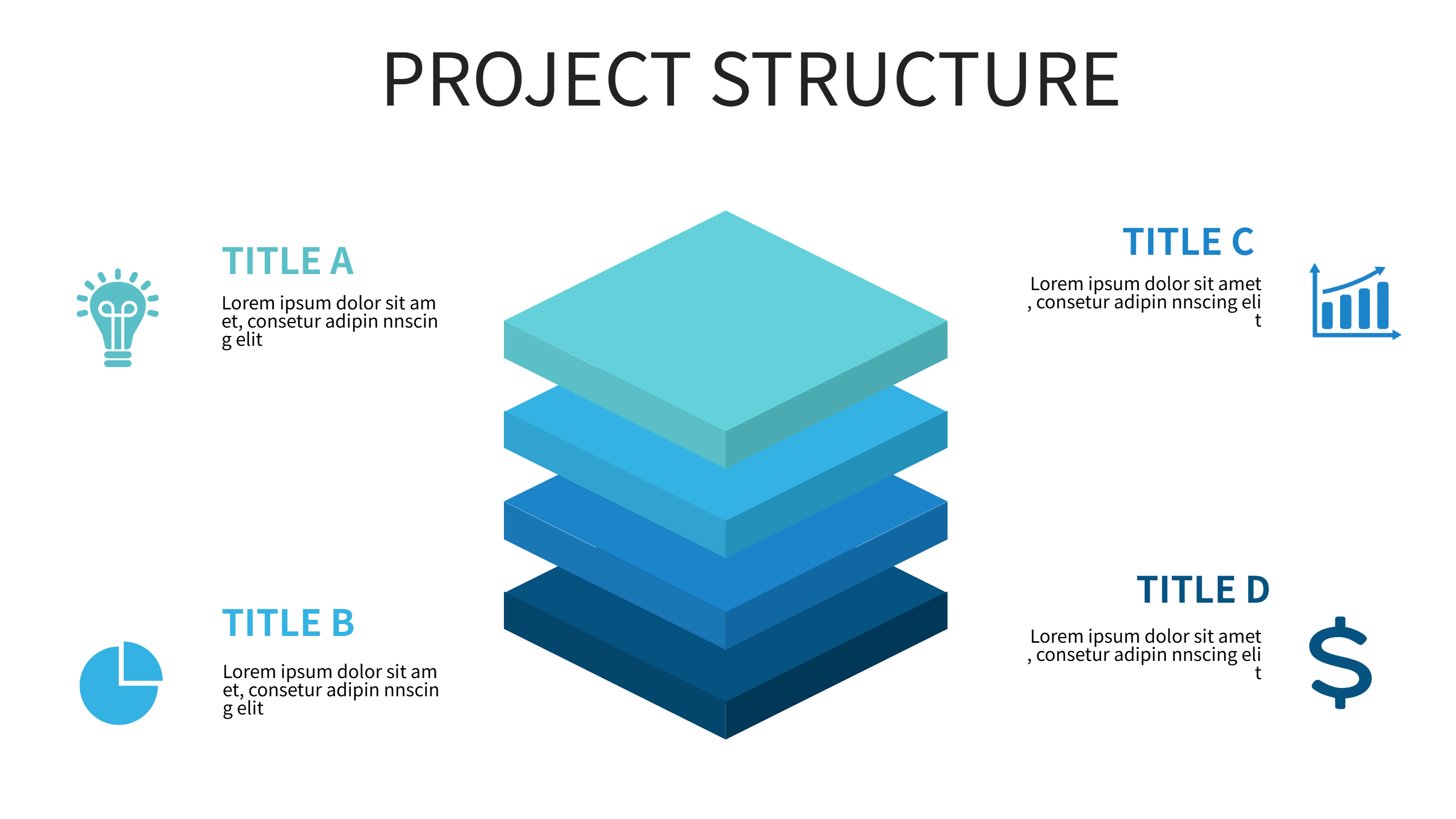
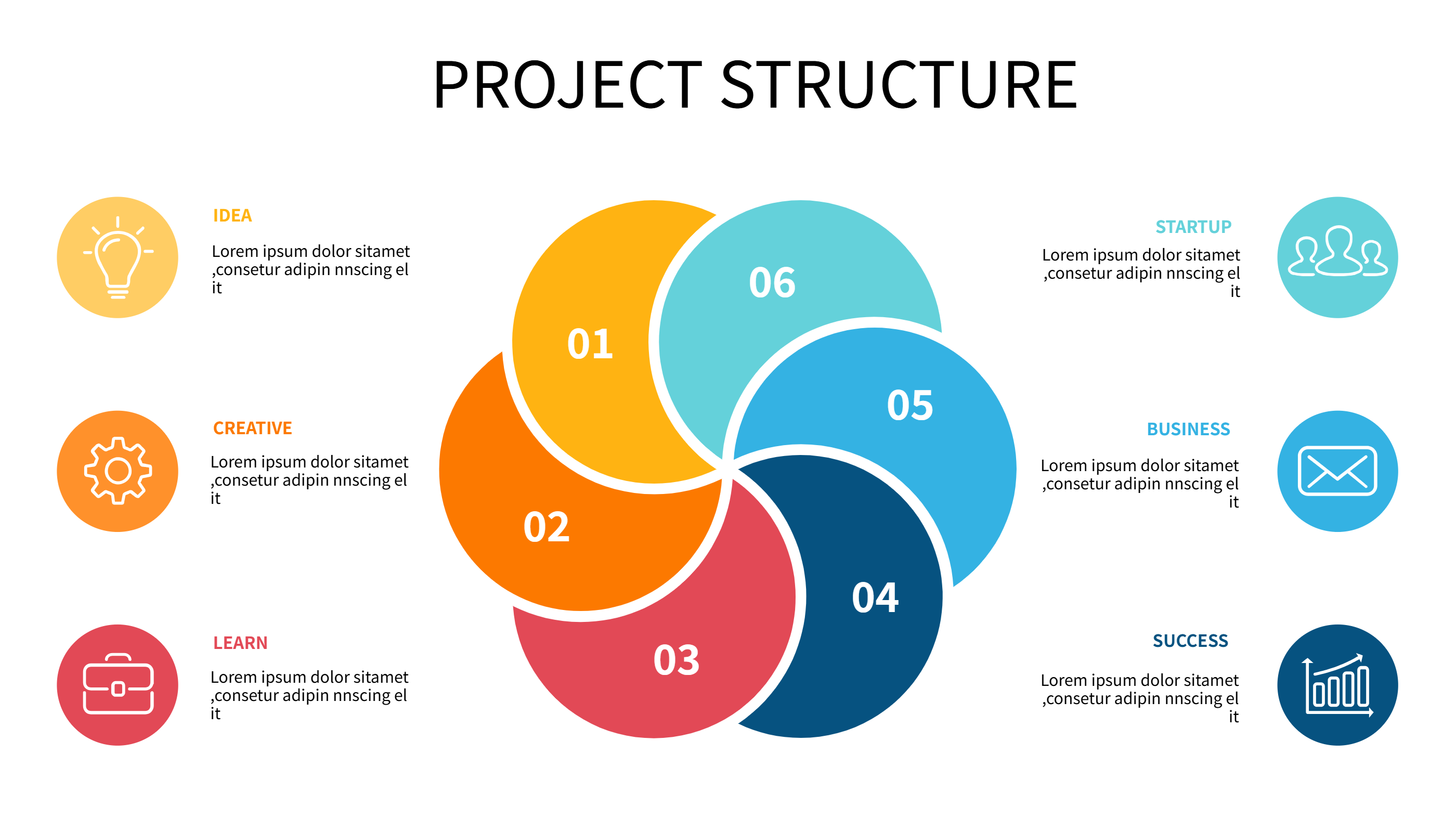
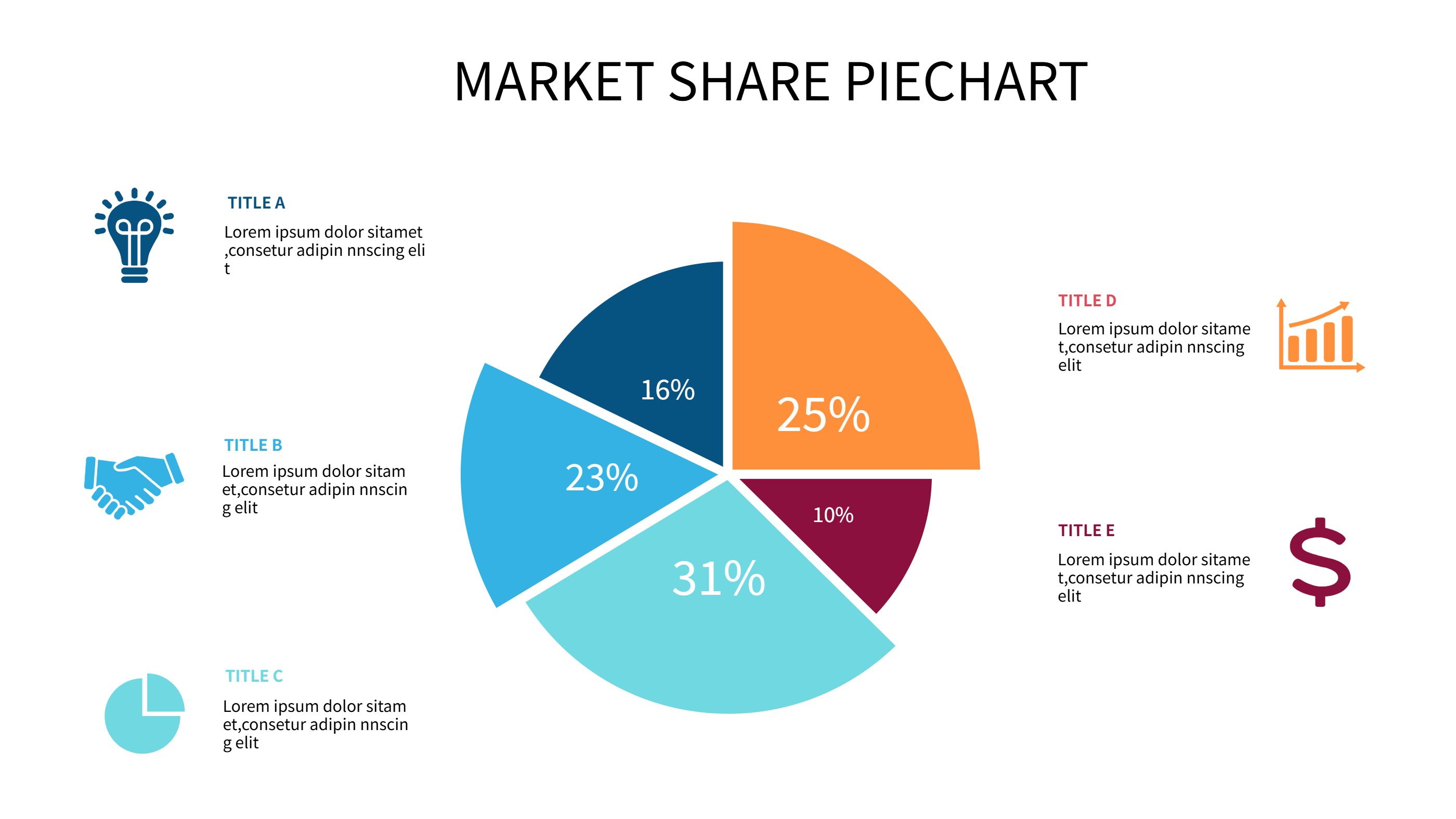
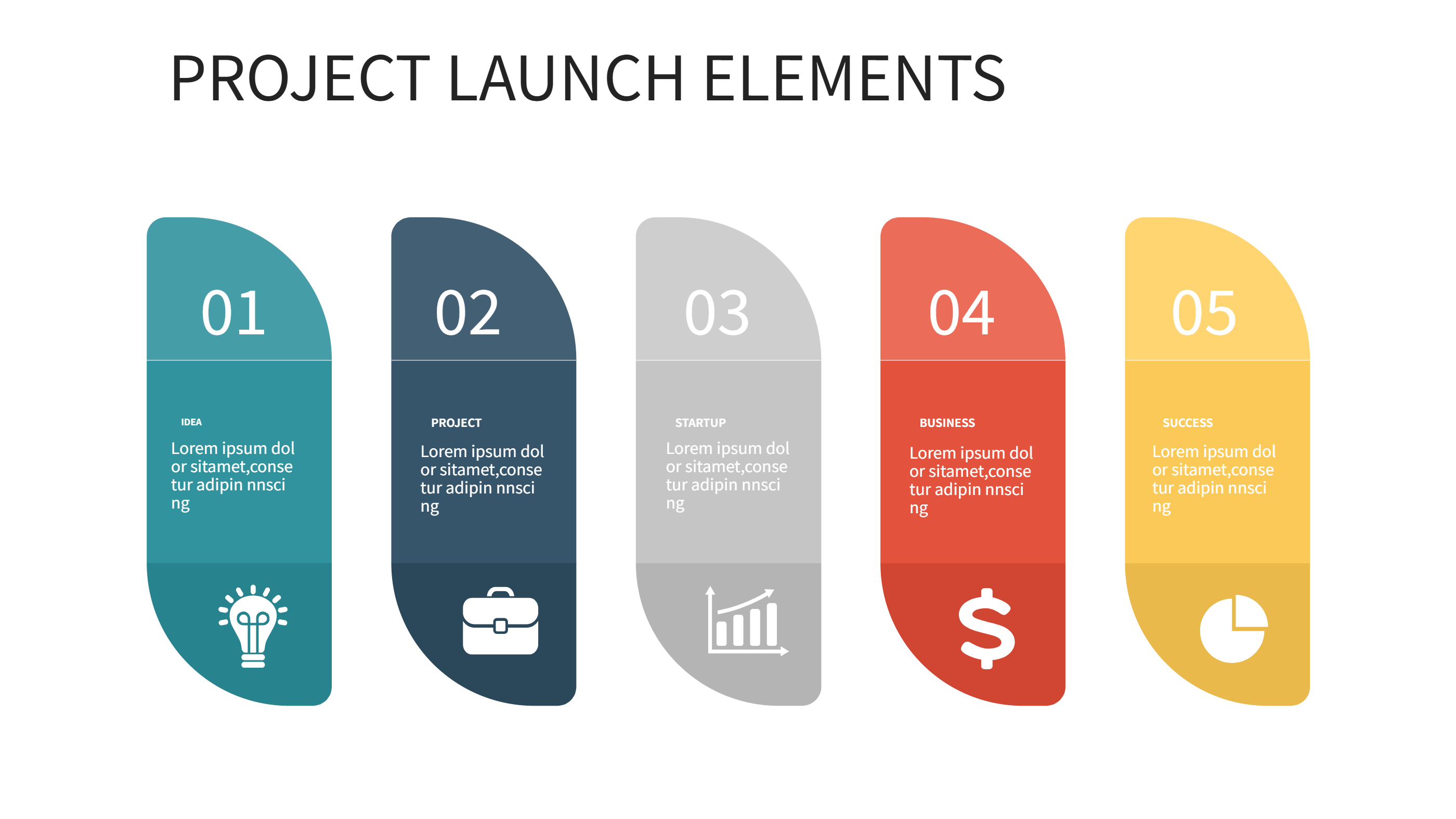
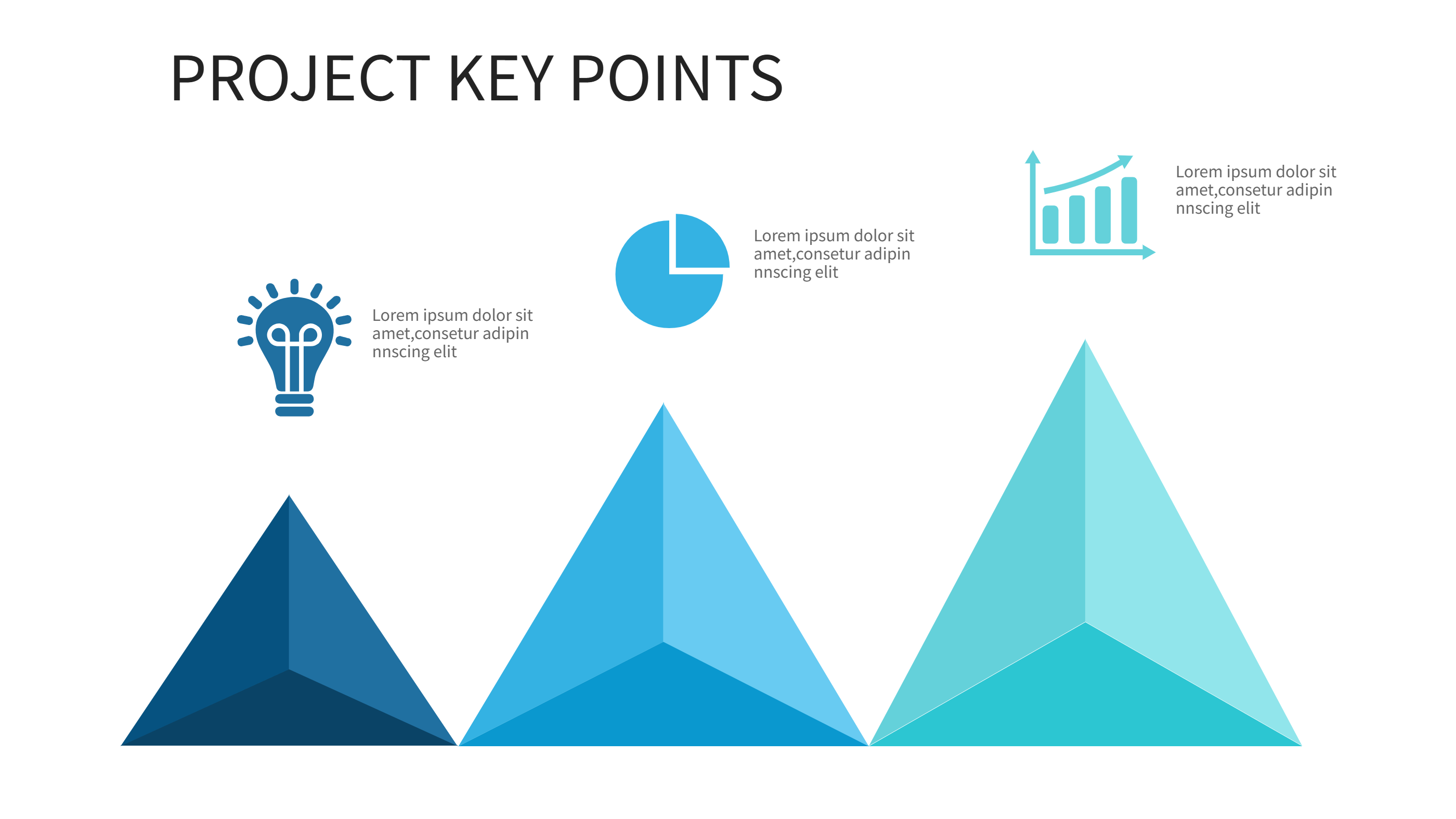
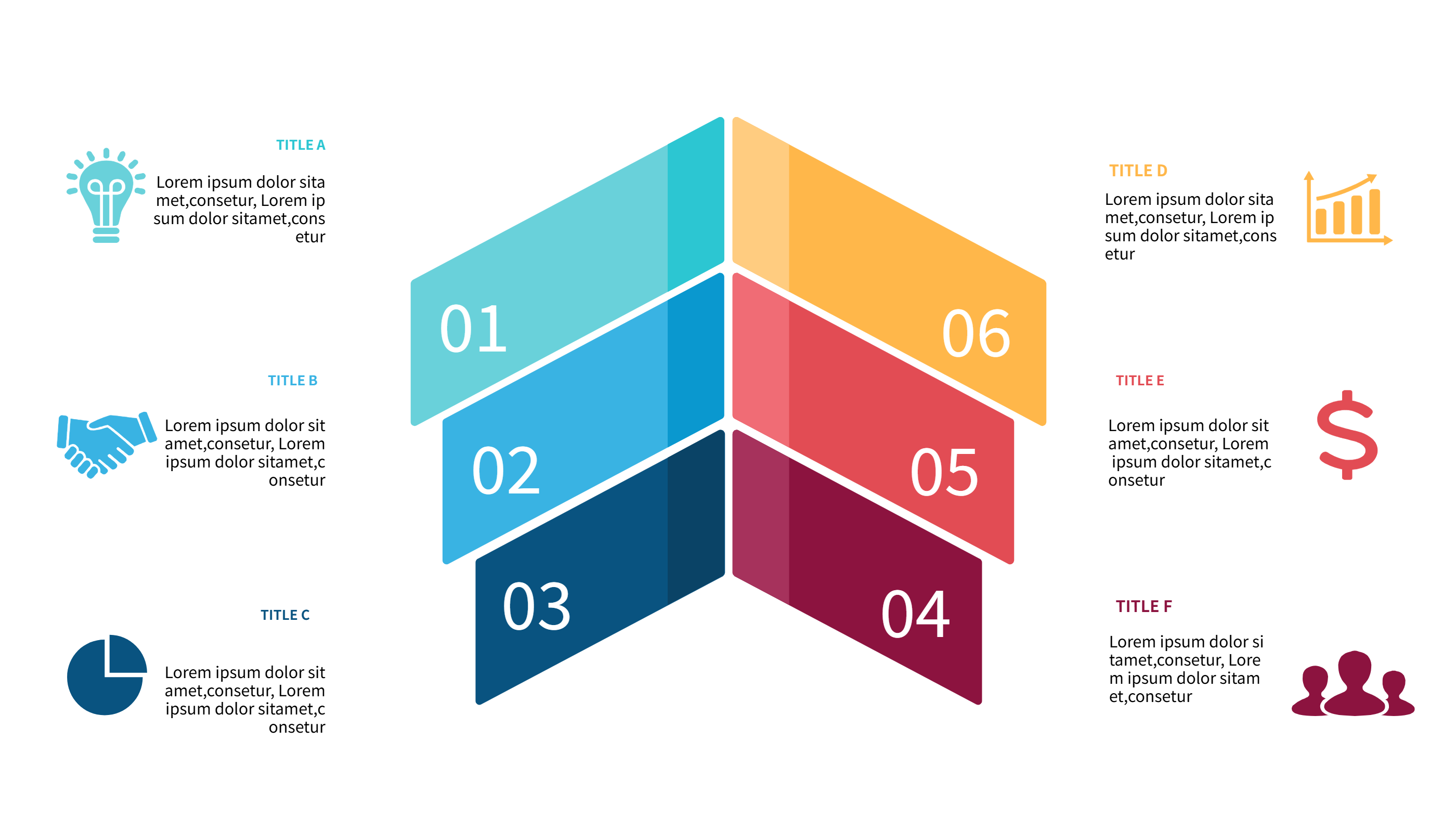
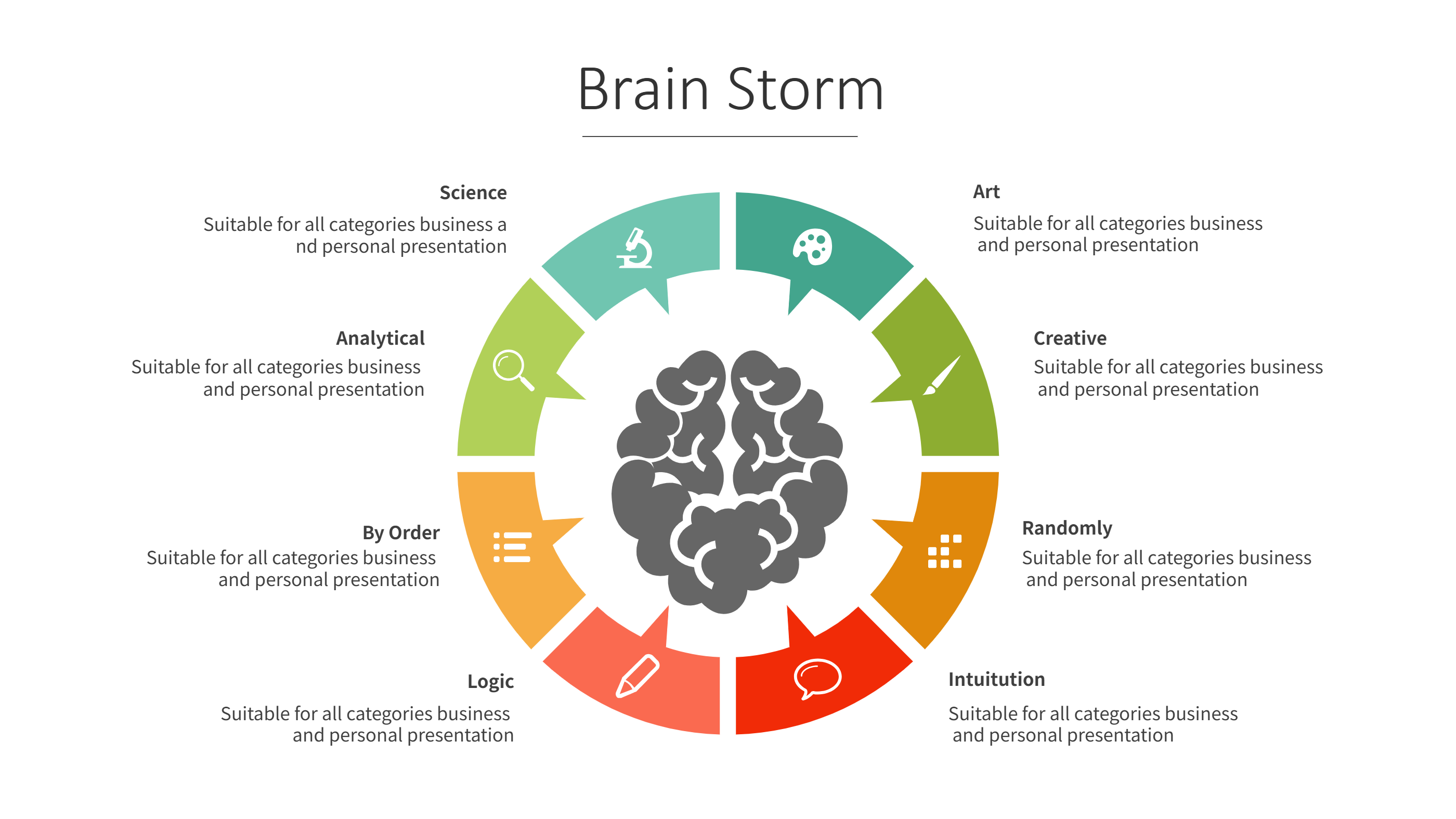
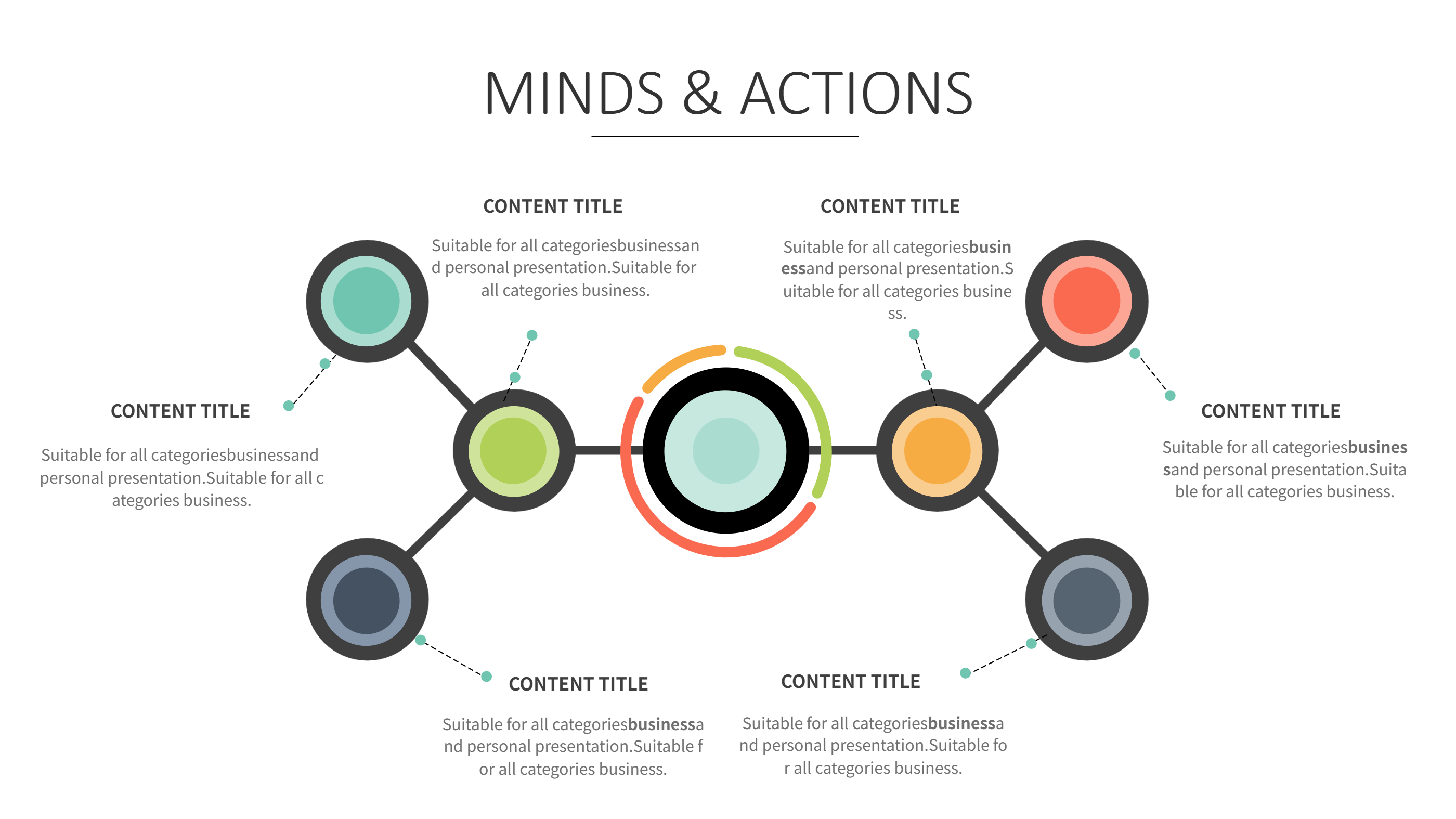
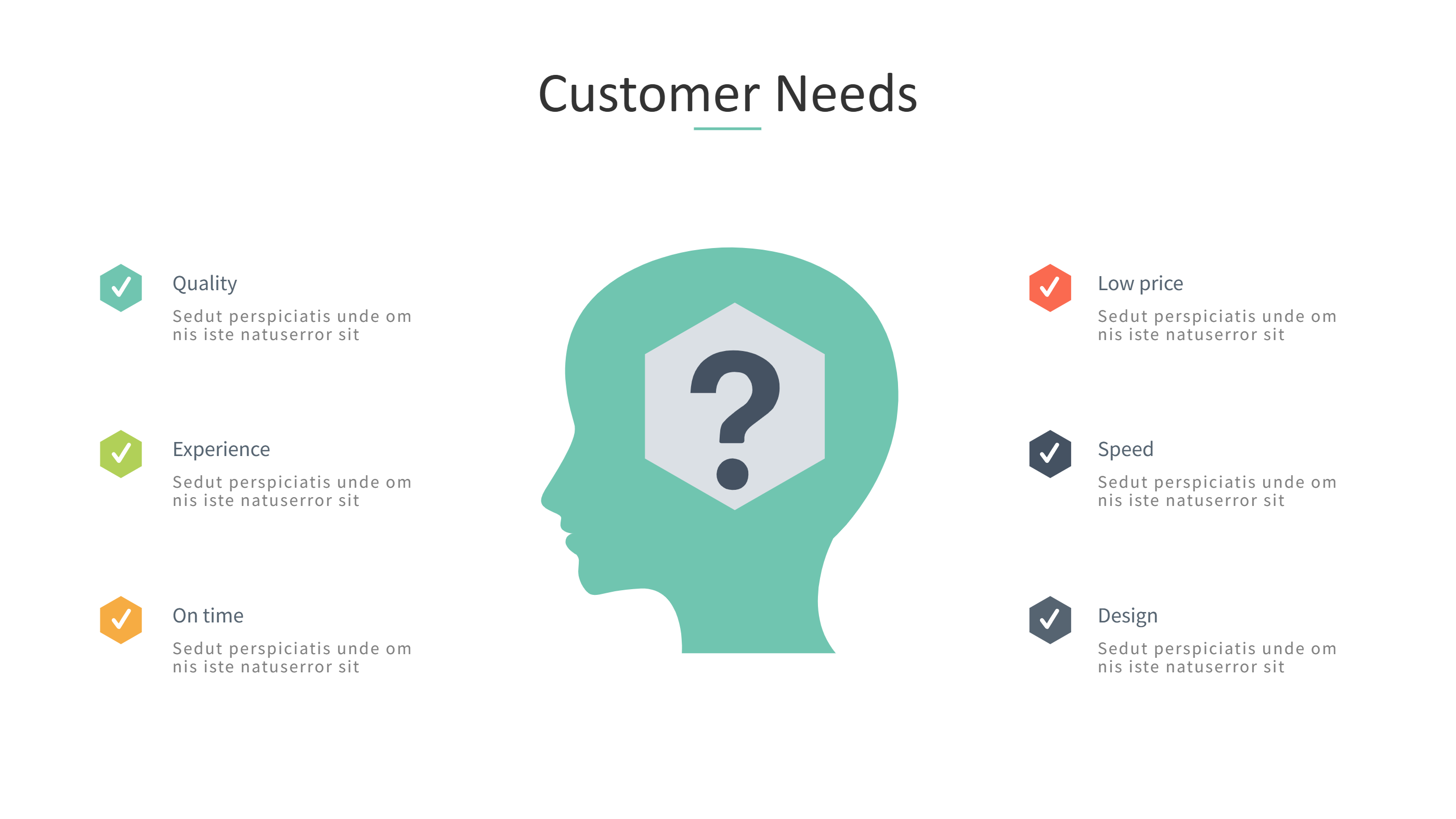
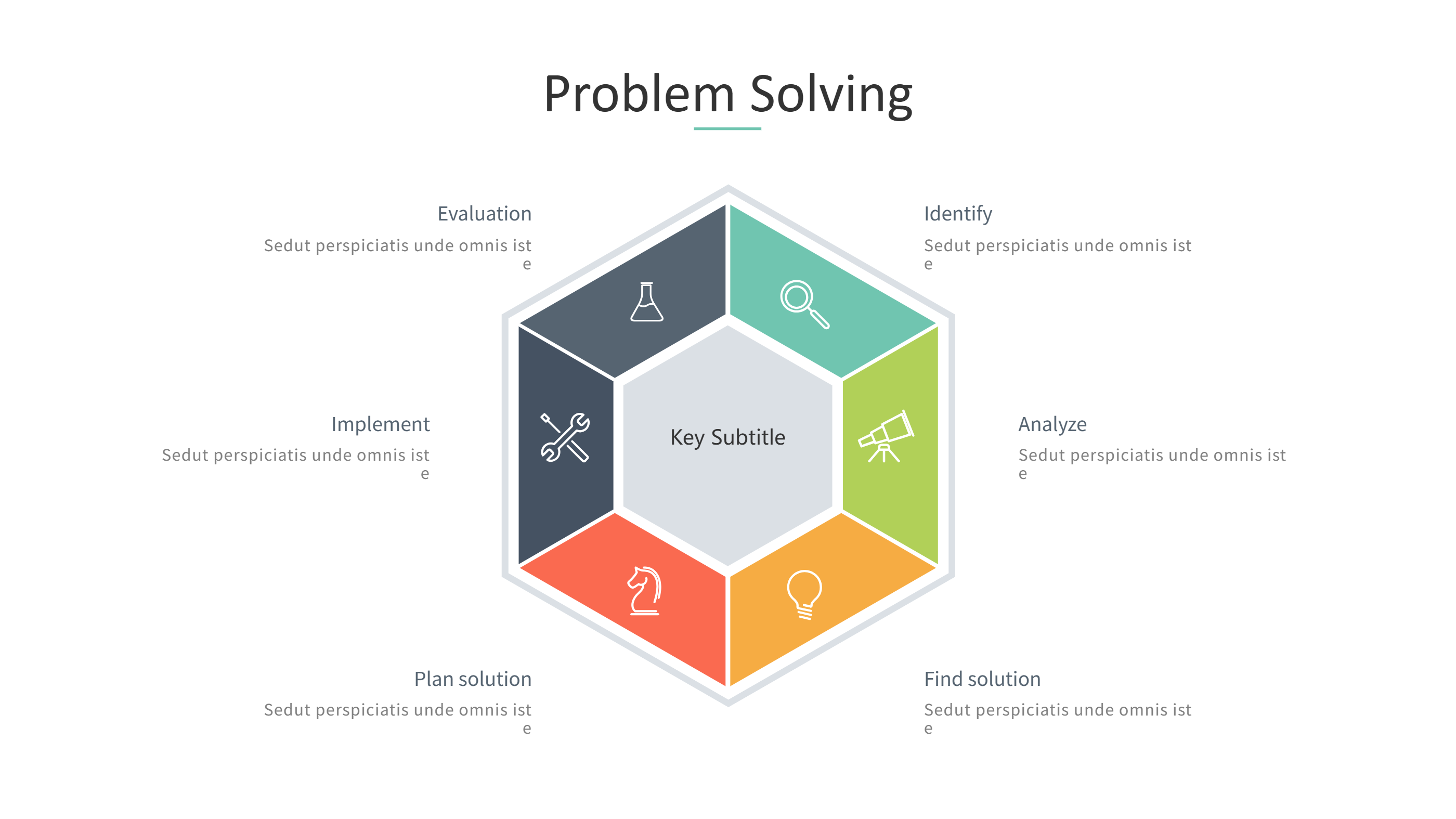
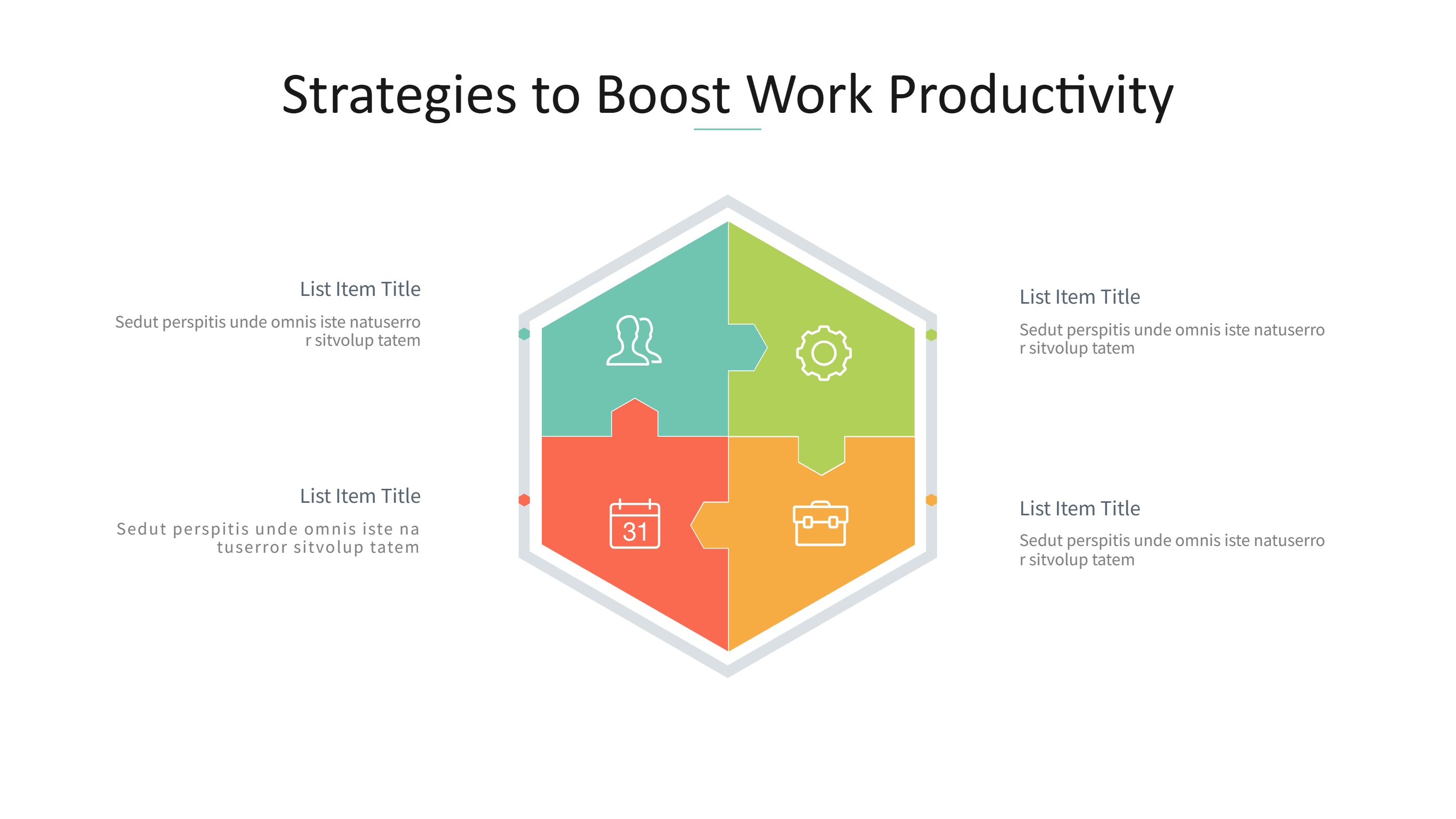
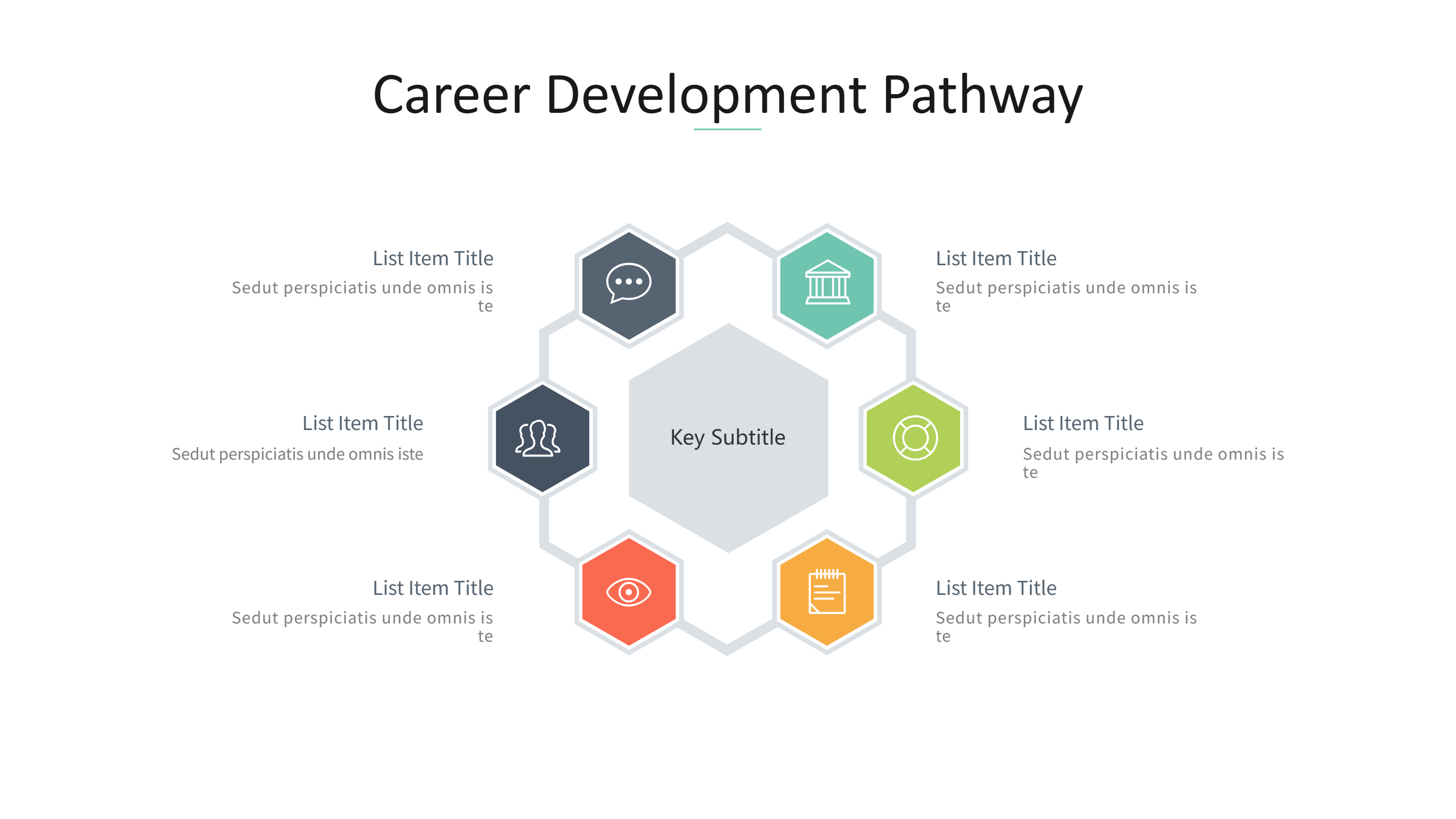
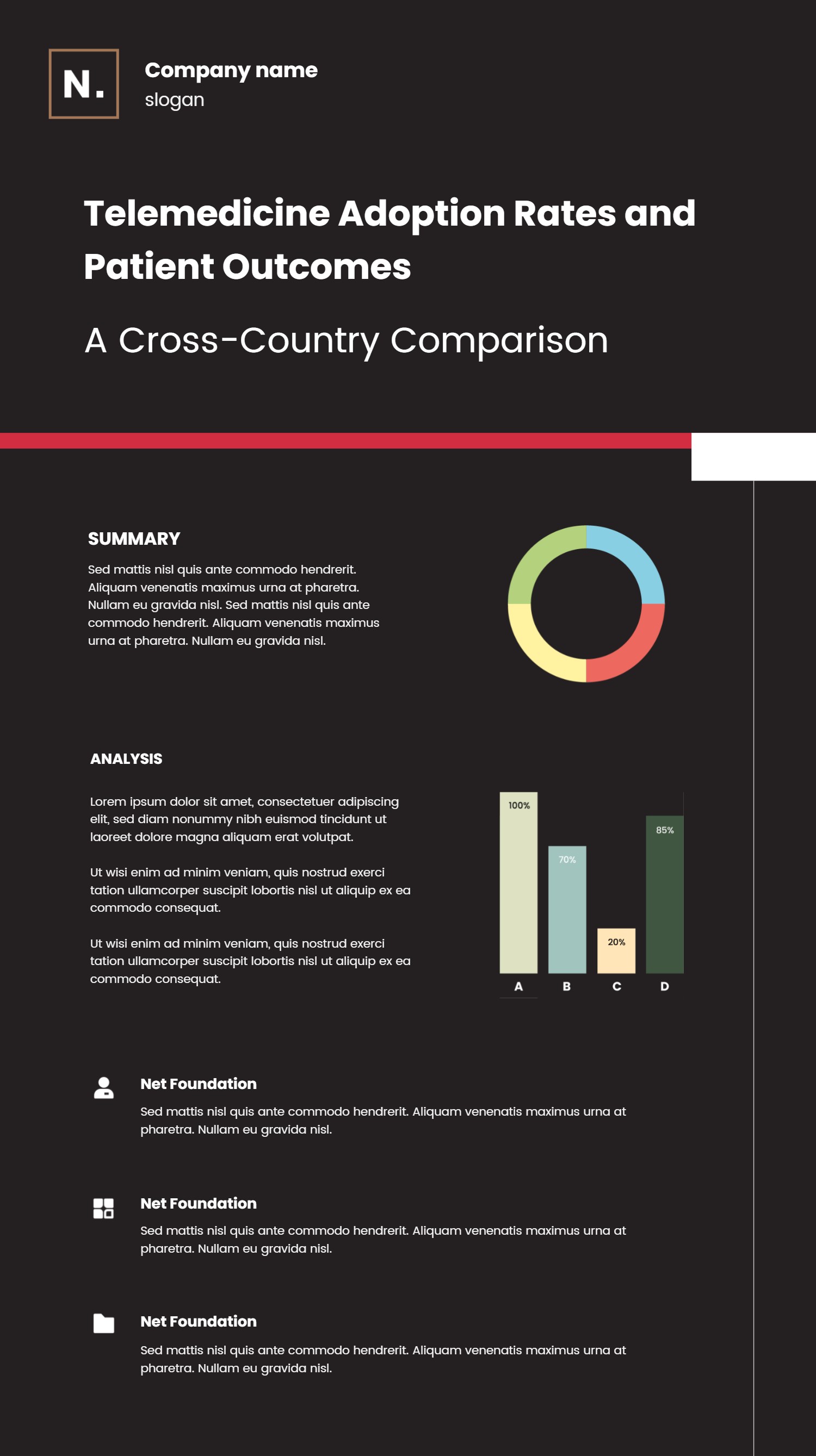
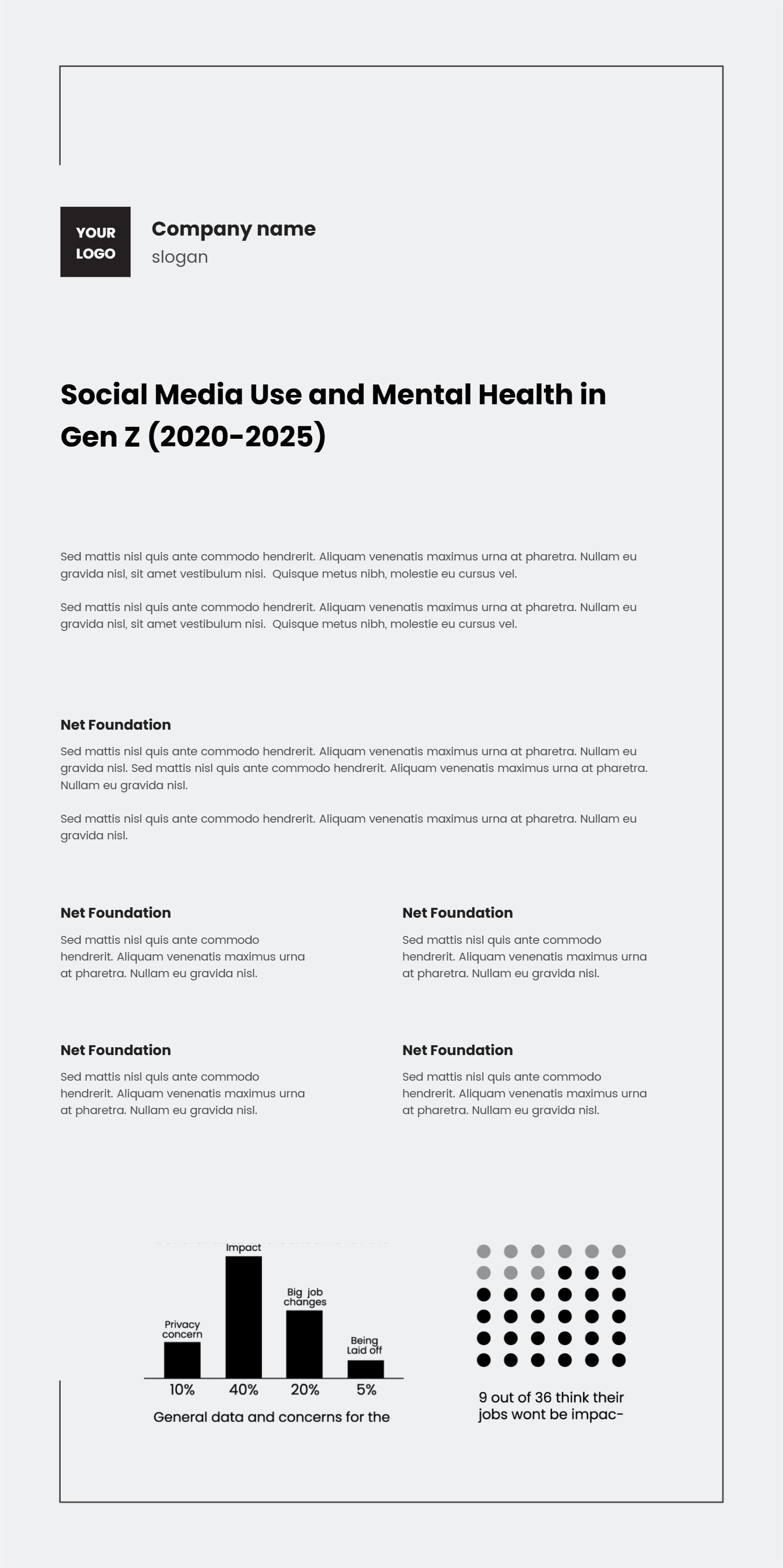
The phrase "infographic là gì" asks what an infographic is. This template answers that idea with a simple process layout and short captions. An infographic is a visual page that mixes text, numbers, and icons to explain a topic fast. It keeps the message clear by using short labels and tidy spacing. The layout in this template makes the concept easy to understand at a glance. It also shows how a clear title, a few key points, and light icons can tell a full story. This format works well for beginners, students, and teams who want a plain explanation without heavy terms.
When to Use Simple Steps Infographic
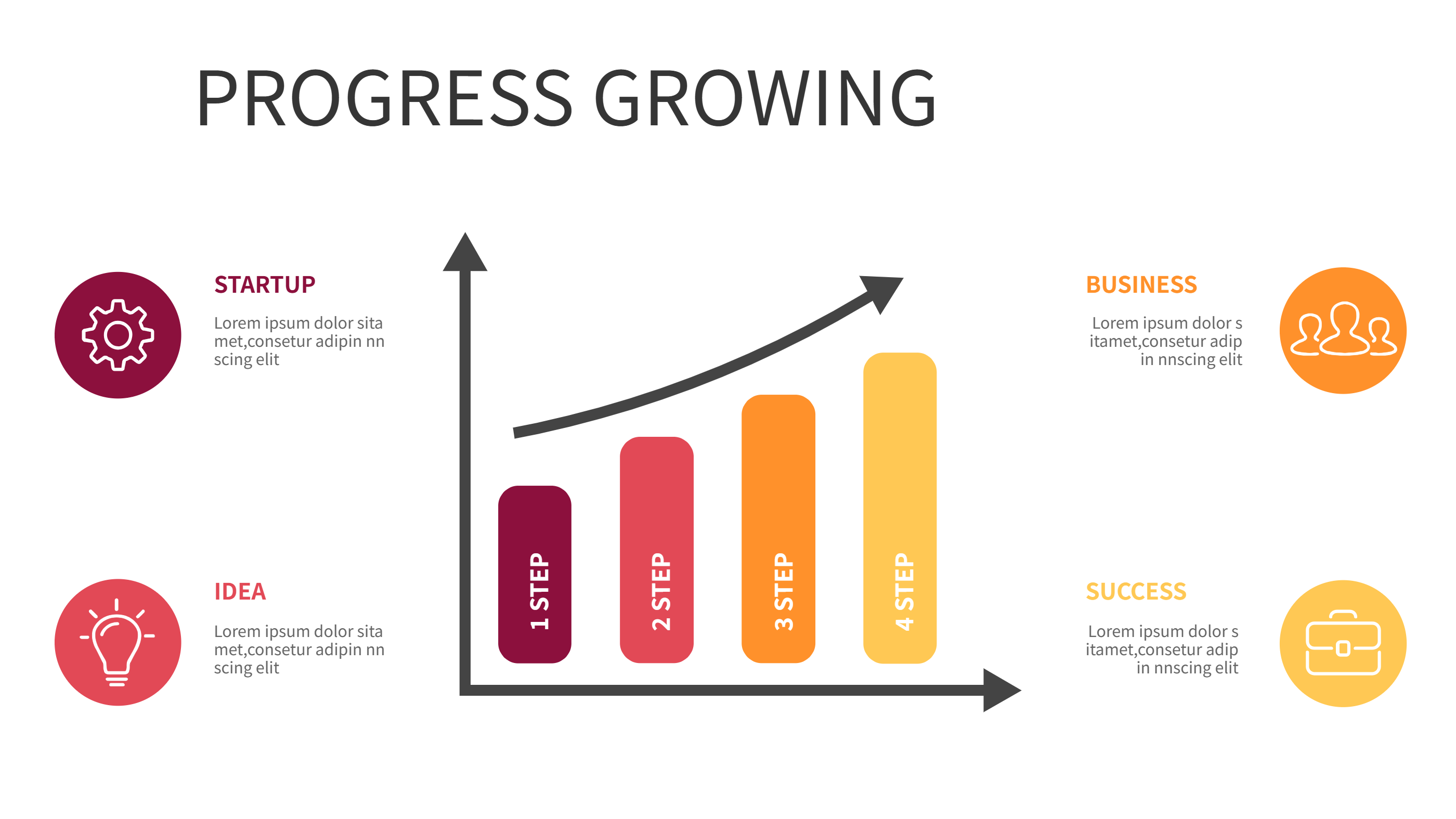
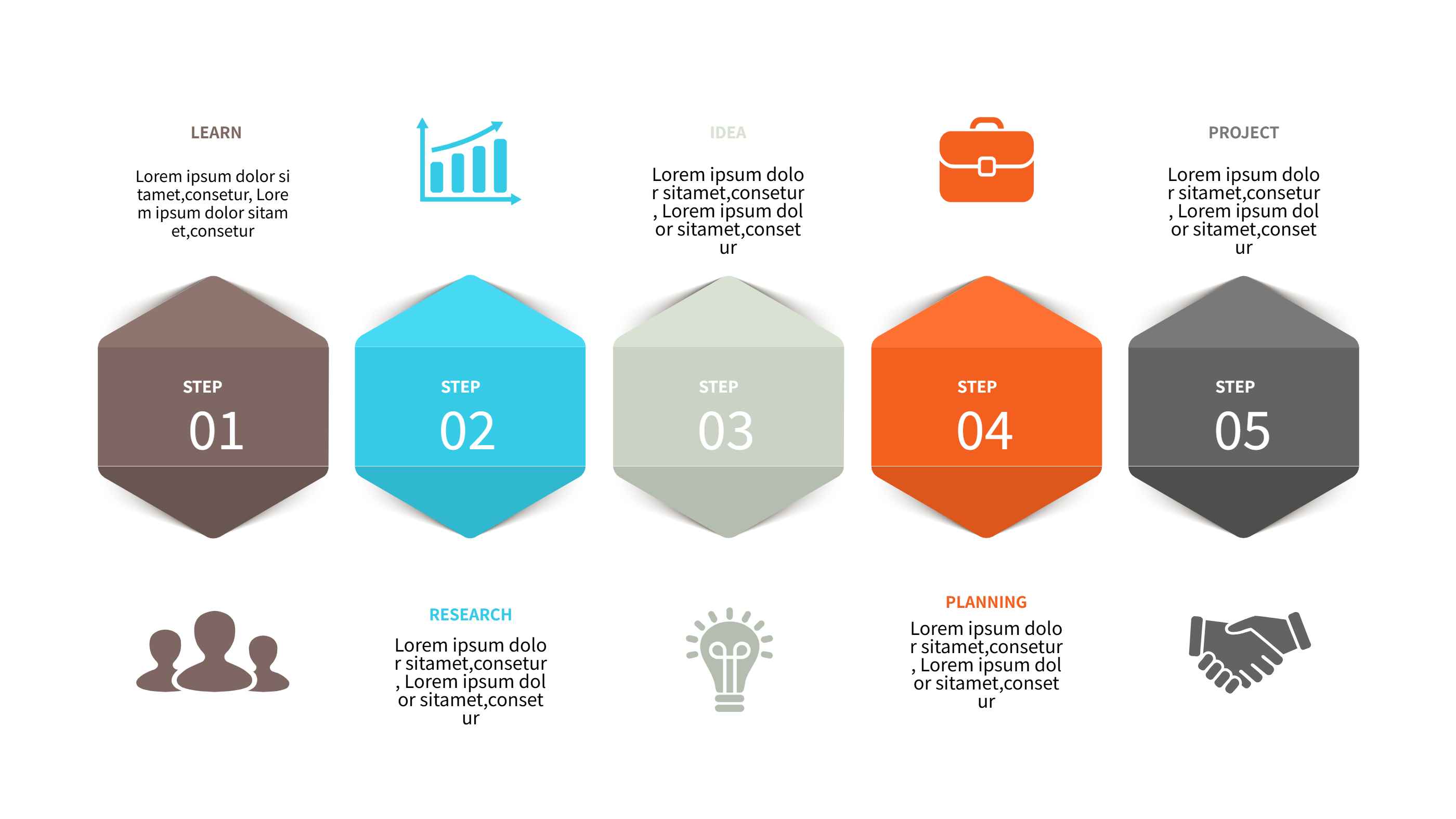
Use this simple steps infographic when you need to explain a concept in a short and friendly way. It fits classroom slides, training notes, and help pages for new users. It is also useful for onboarding, workshop handouts, and quick guides on social media. The step layout keeps the reader focused on one idea at a time. It is a good choice when you want to answer a basic question and keep the language easy. The clear spacing helps people read on a phone or a printed page. Use it for small lessons, short reports, and team updates that need a clean visual.
How to Use Infographic Là Gì Explained in Simple Steps
On the home page, open the AI generation tool. Choose this infographic explanation template from the list. Enter a short prompt that includes your definition, the key parts, and the audience. The tool builds the infographic in the same layout and style. Review each label and keep it brief. You can adjust colors and icons to match your topic. Save the result when it looks right. This gives you a ready slide that you can present or edit.
Download and Edit the Template
Click the download button to open the online editor. Replace the sample text with your own wording. Keep each step short so the layout stays clear. You can adjust colors to match your brand or class theme. Click the save button when you finish. Choose PPT, PNG, or SVG for the file format you need. Download the file and share it with students, coworkers, or clients.
Examples of Infographic Là Gì AI Prompt Usage
Example 1:
Create a simple infographic that explains what an infographic is. Use a short definition, list three common parts, and add a brief note on why it helps readers.
Example 2:
Make a step infographic that answers the question "infographic là gì" for students. Include a clear title, simple icons, and short labels that fit a PPT slide.
Example 3:
Design a quick guide infographic that shows how to build a basic infographic. Use four steps with short captions and a clean, friendly style.
Recommended Similar Infographic Templates
Related Template 1: AI-Enhanced Process/Flow Template for Step-by-Step Visualizations
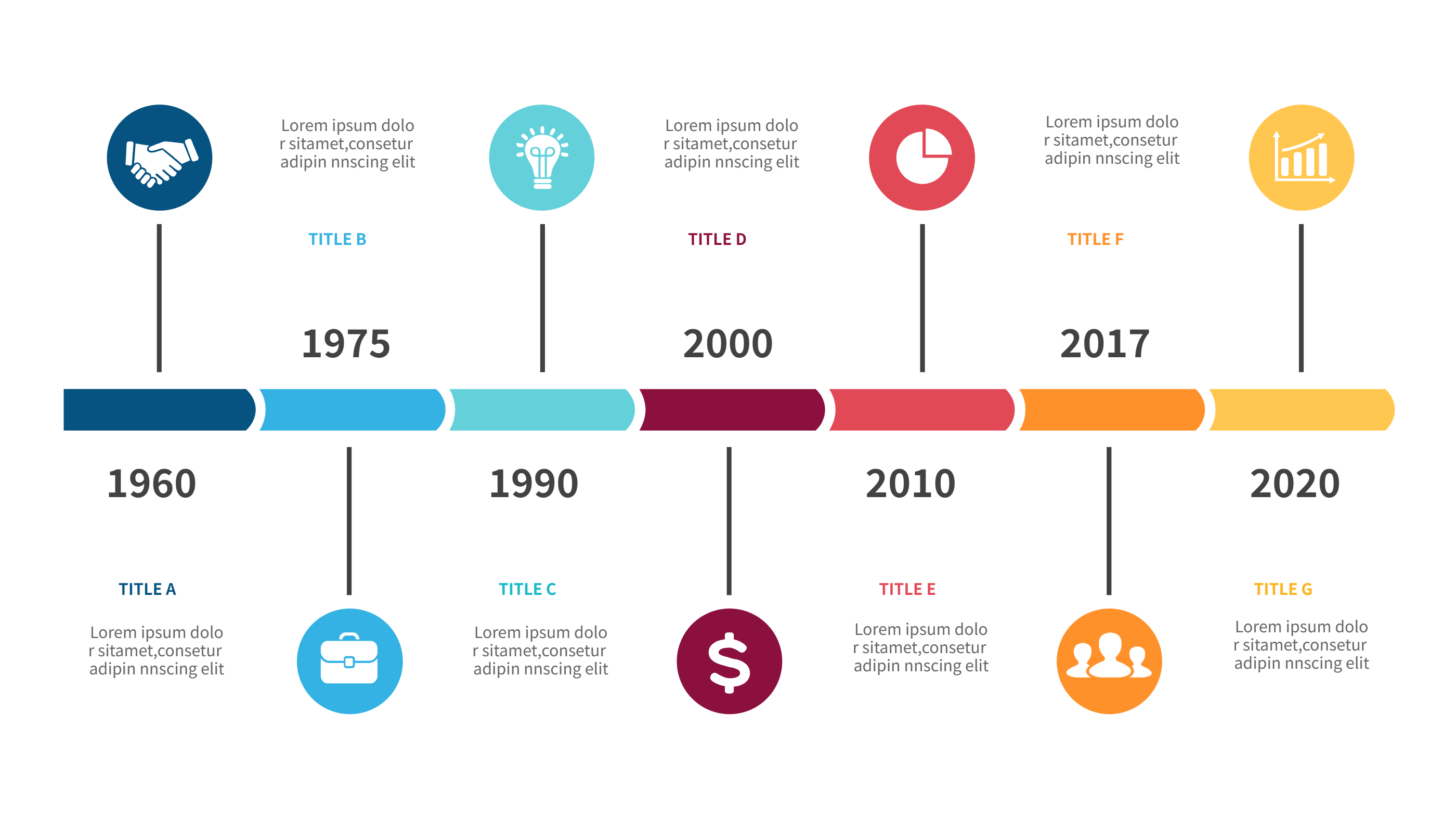
Related Template 2: Timeline Infographic Template for Project Milestones and Event Schedules
Related Template 3: Theory of Change Template for Clear PPT Infographic Plans
Related Template 4: Software Design Document Template for Clear PPT Infographics
FAQs
Q: Is this template good for beginners?
A: Yes, the steps are short and the layout is easy to follow.
Q: Can I change the wording to fit my class or team?
A: Yes, you can edit each step in the online editor.
Q: Can I add or remove steps?
A: Yes, you can adjust the number of steps and keep the spacing even.
Q: Does it work for social media posts?
A: Yes, the simple layout stays readable on small screens.
Q: Can I export the file as PNG or SVG?
A: Yes, you can download PPT, PNG, or SVG from the editor.