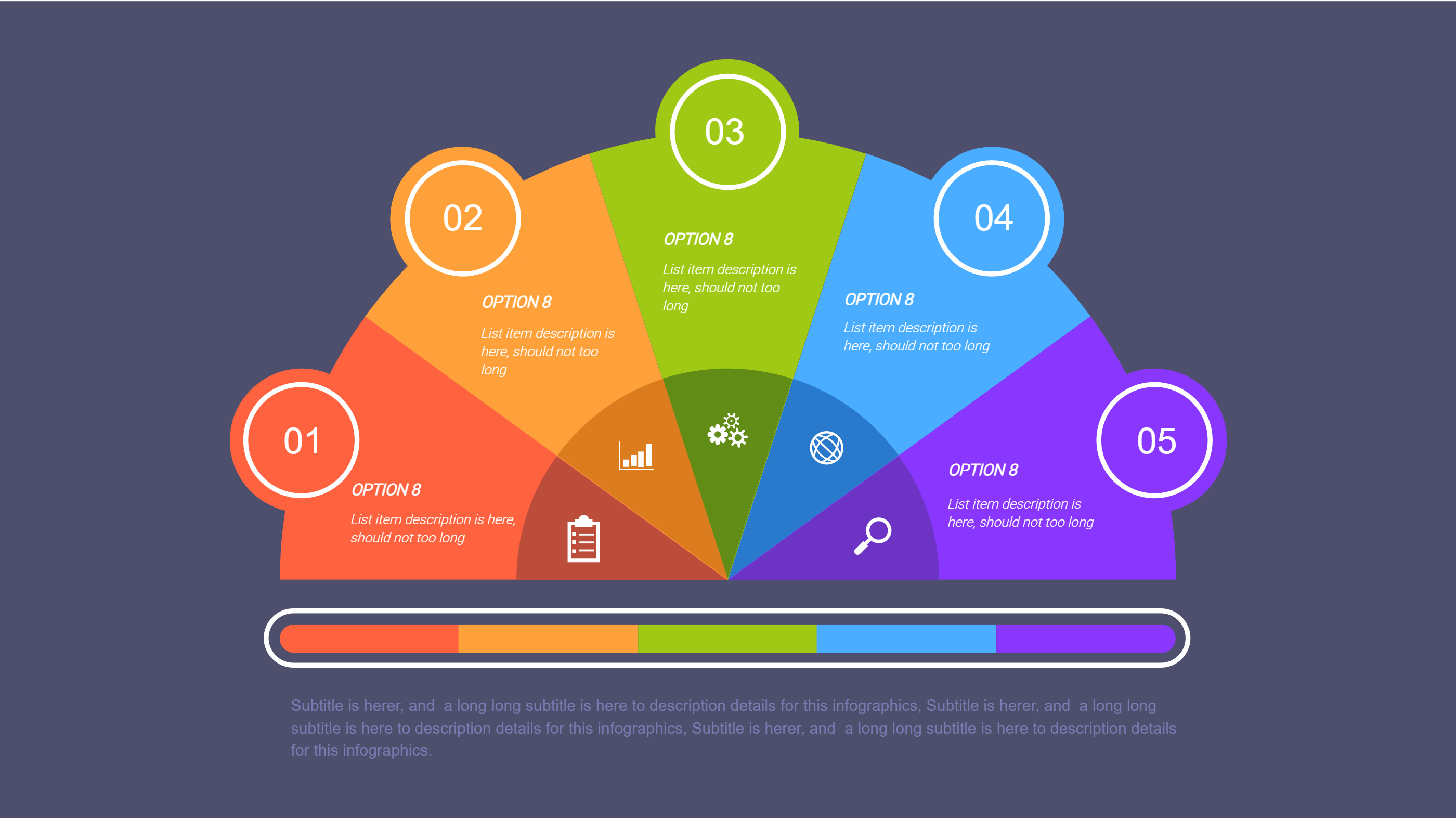
Samsung Notes Mind Map Infographic Template
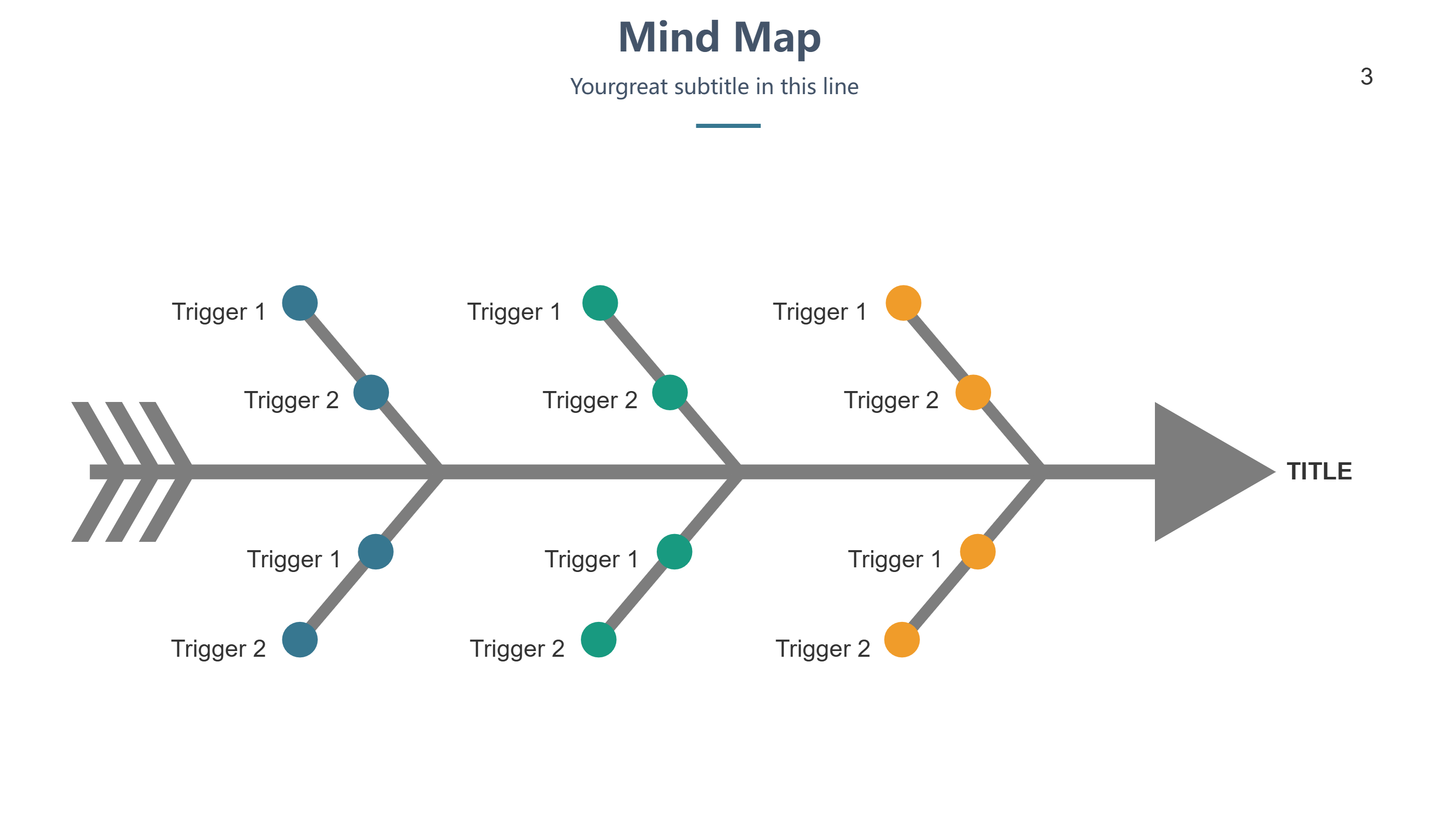
What is Samsung Notes Infographic
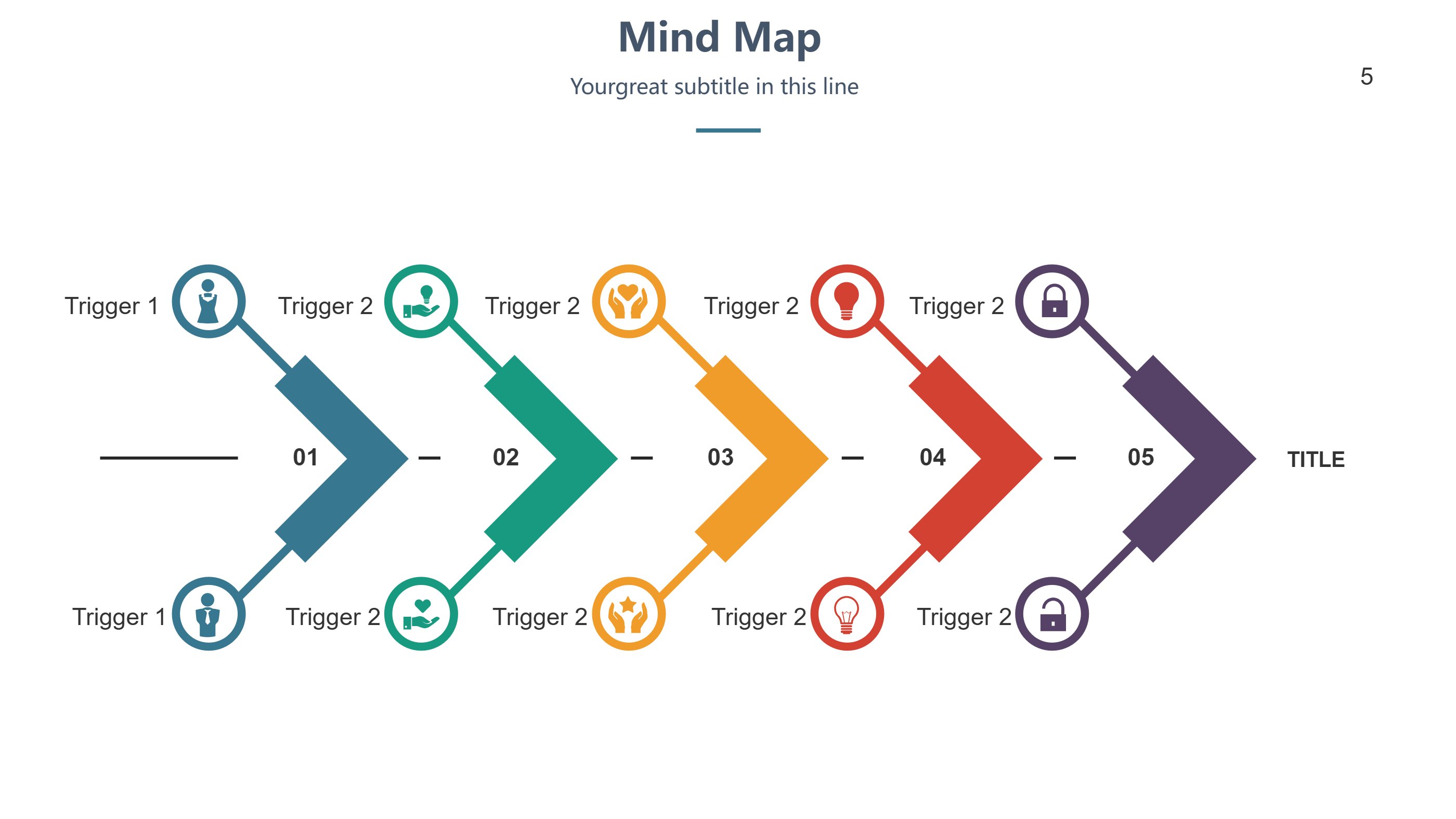
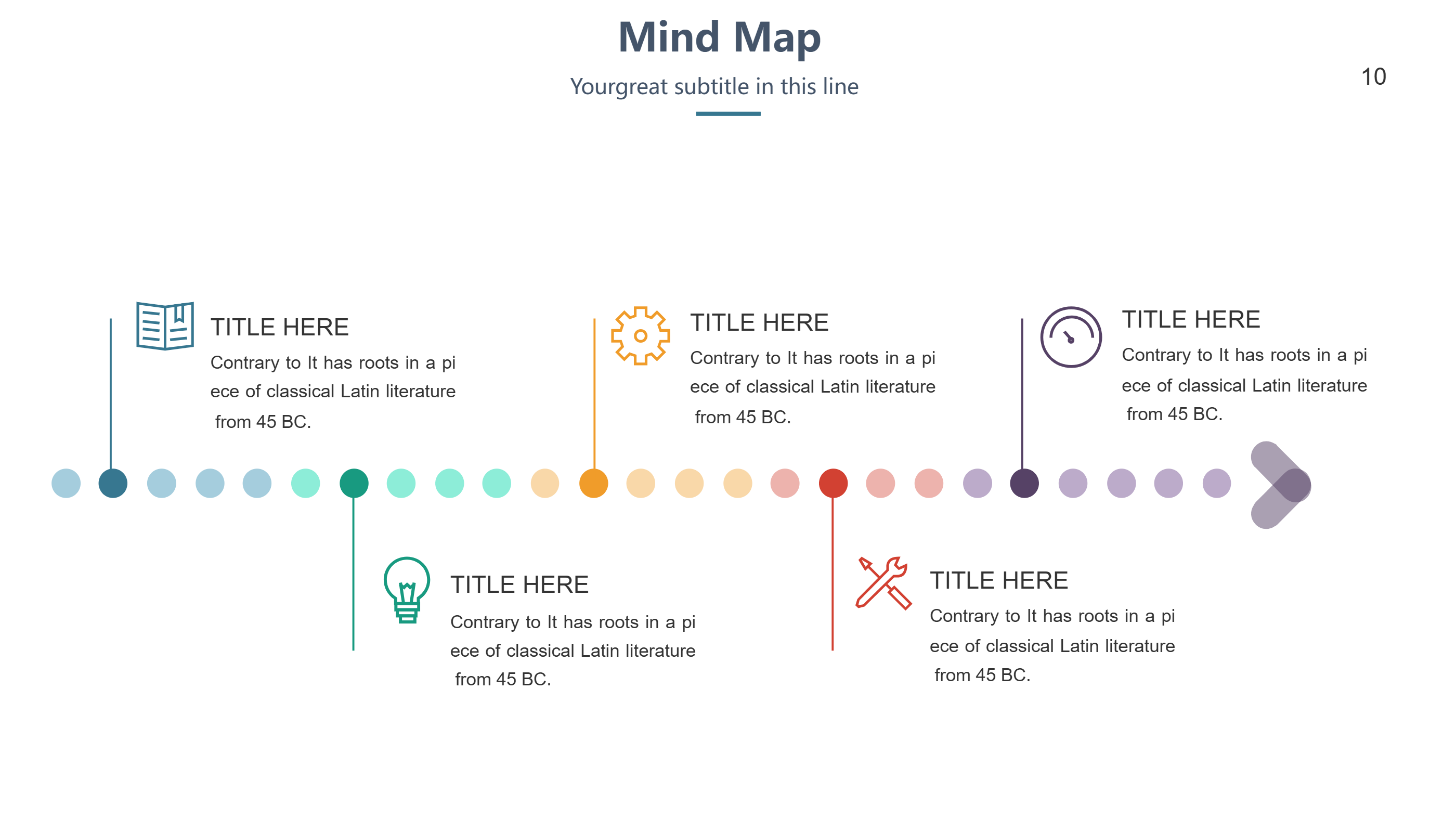
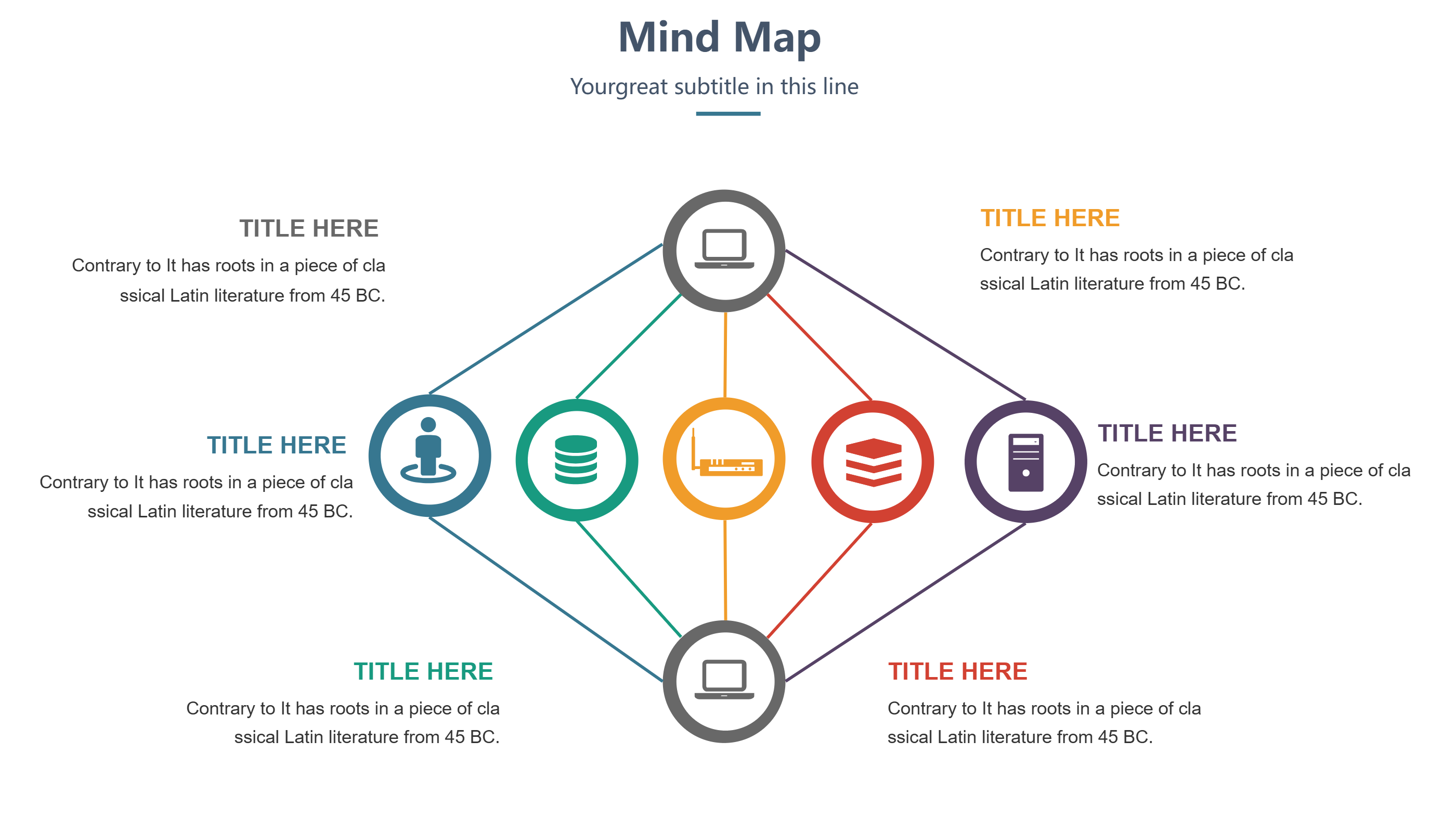
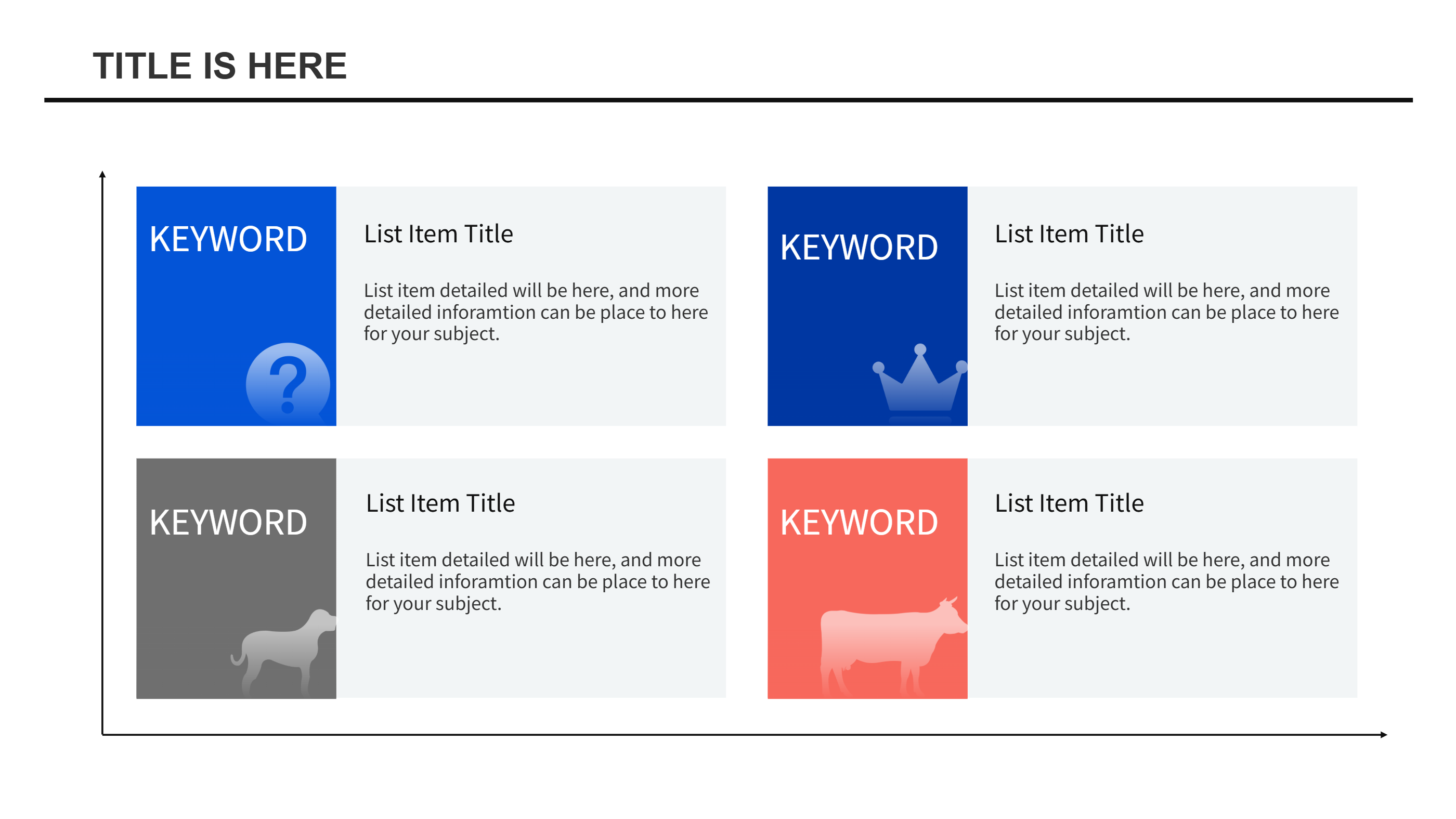
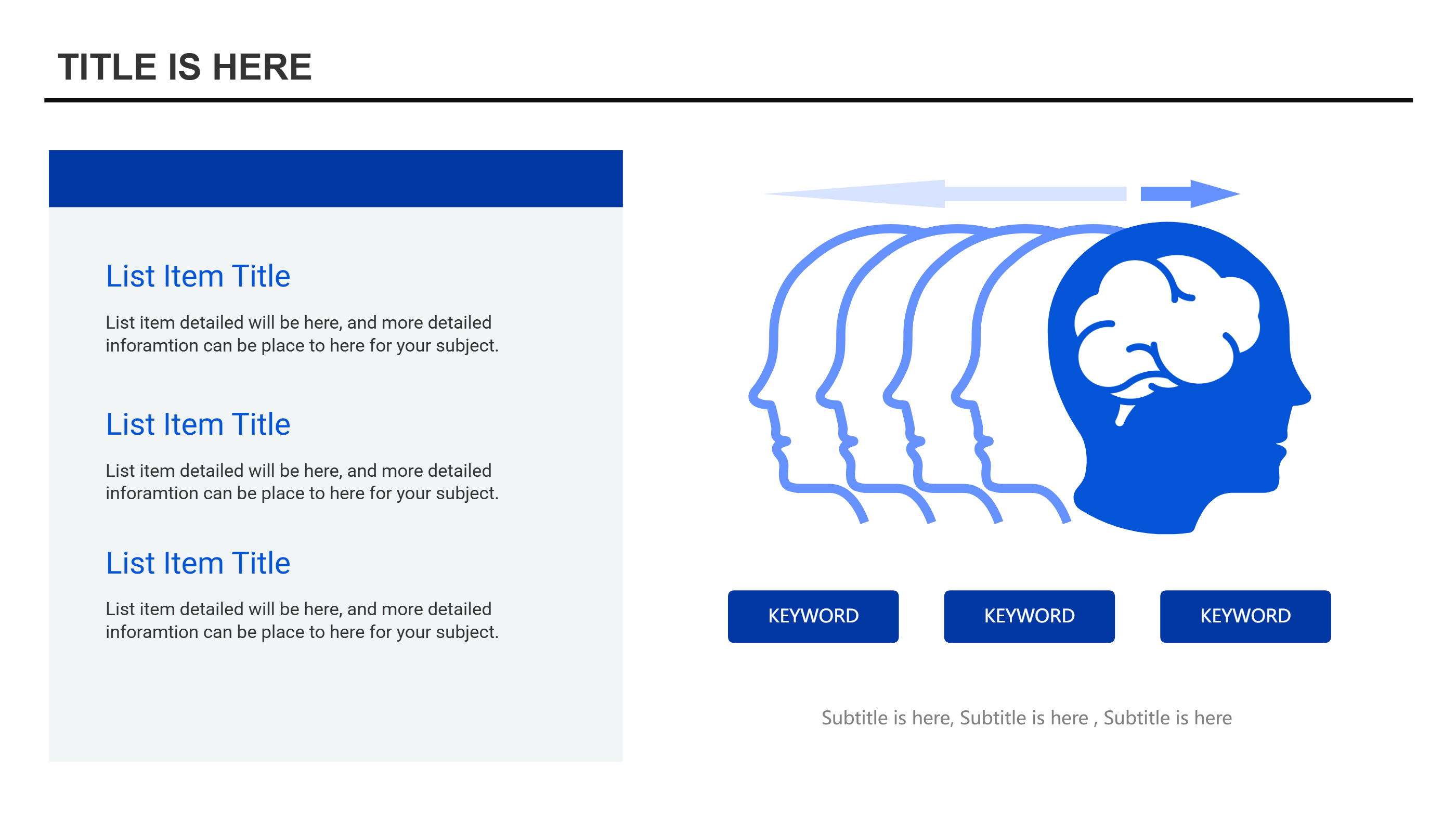
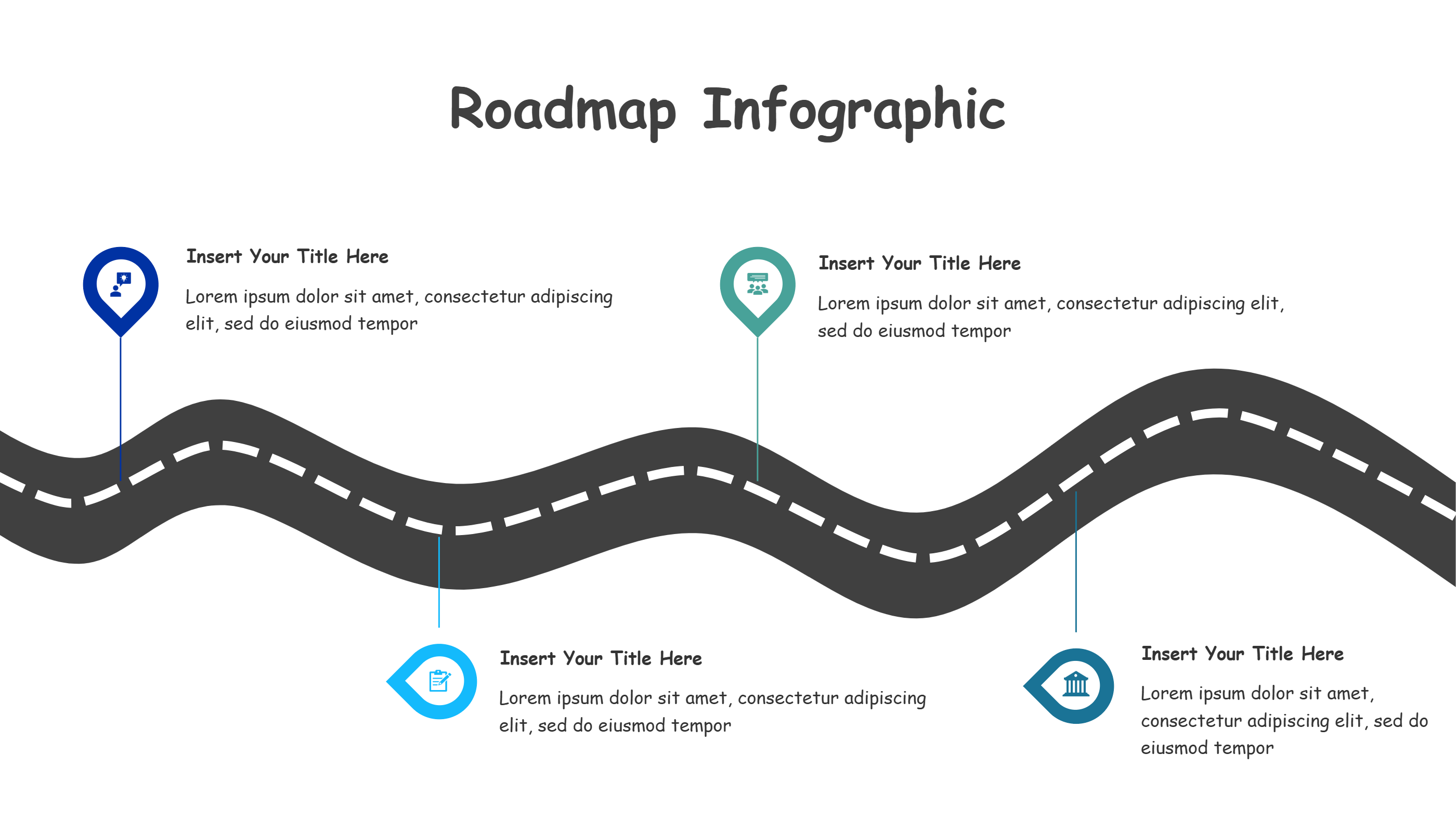
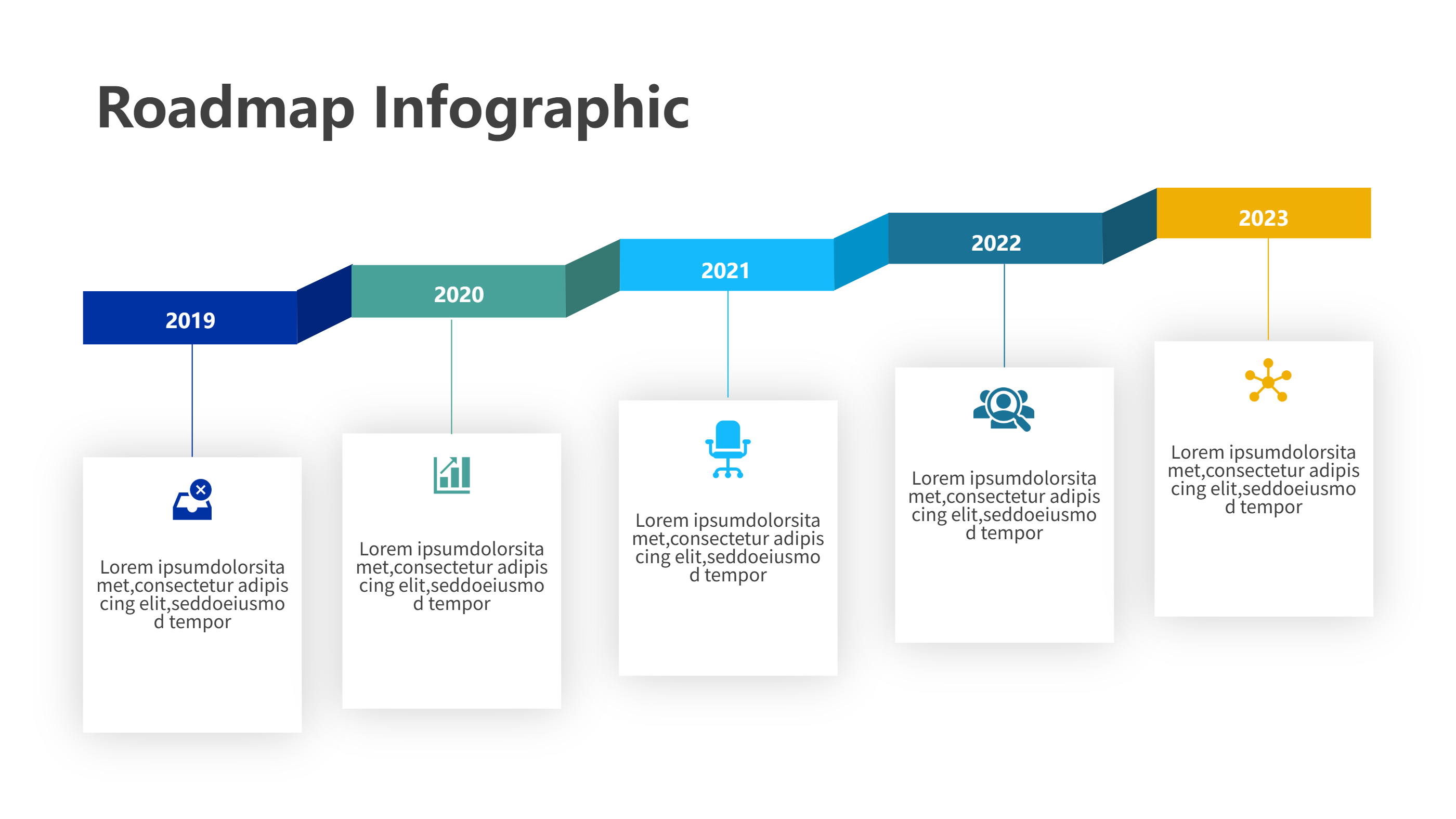
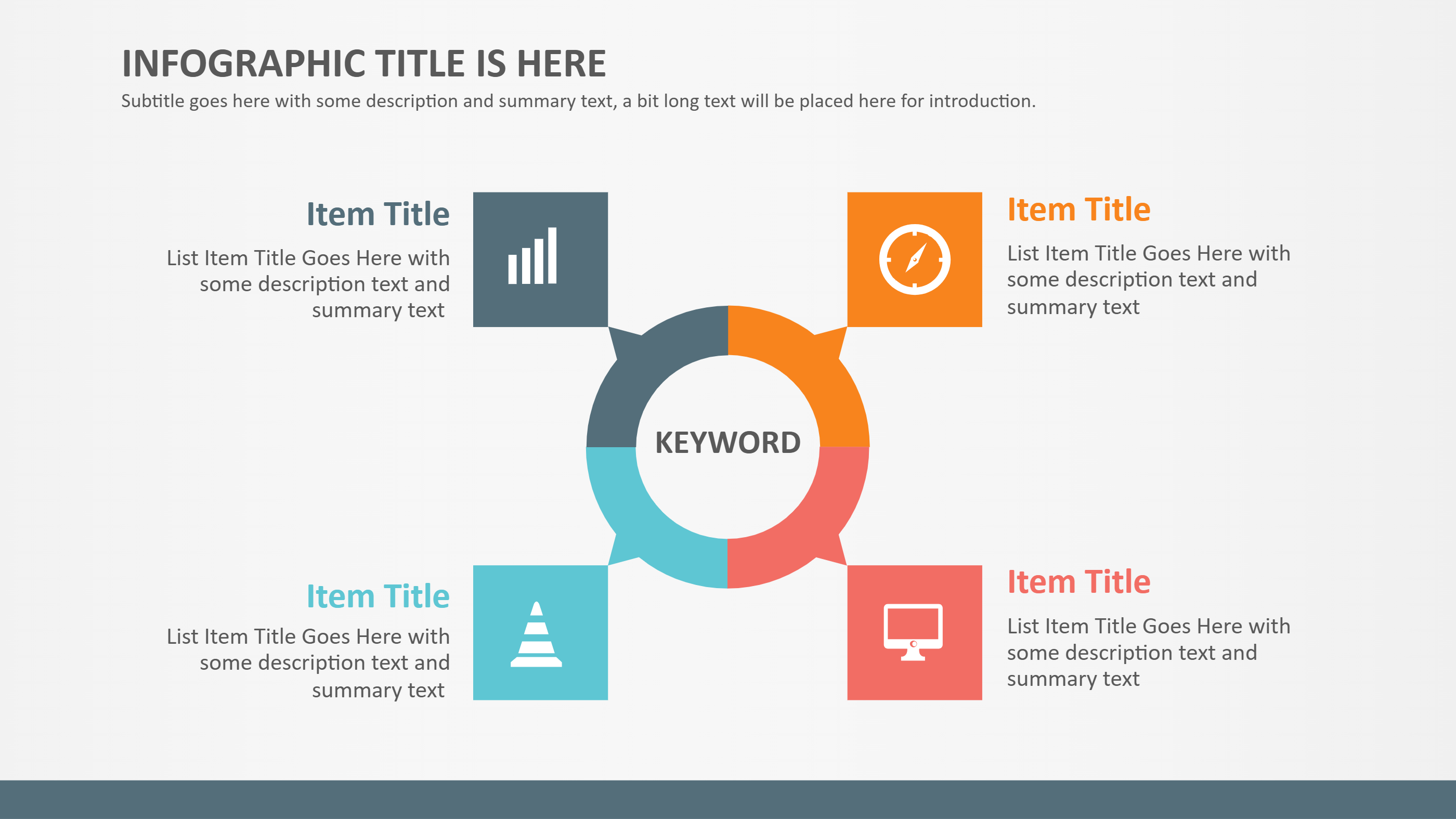
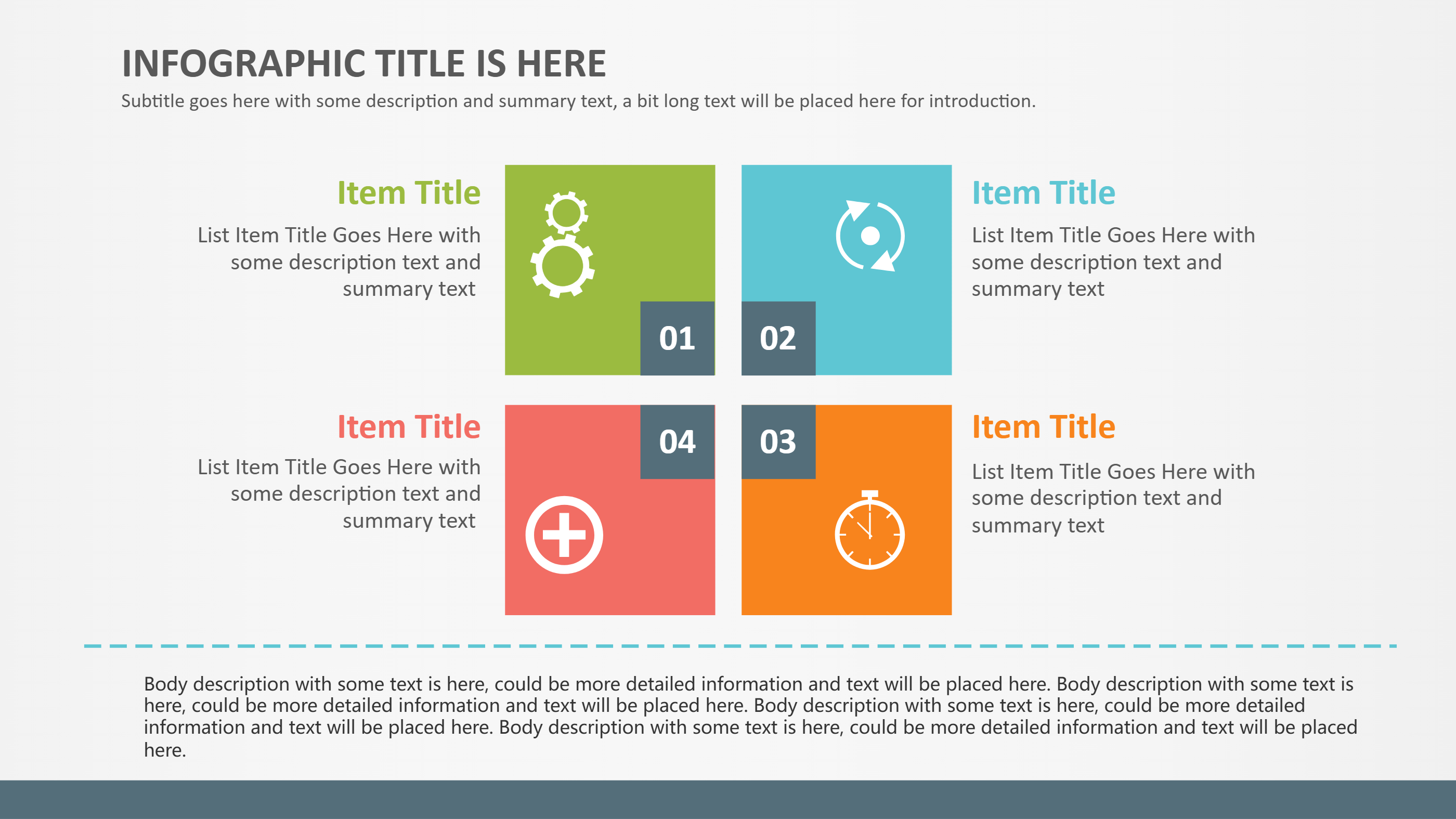
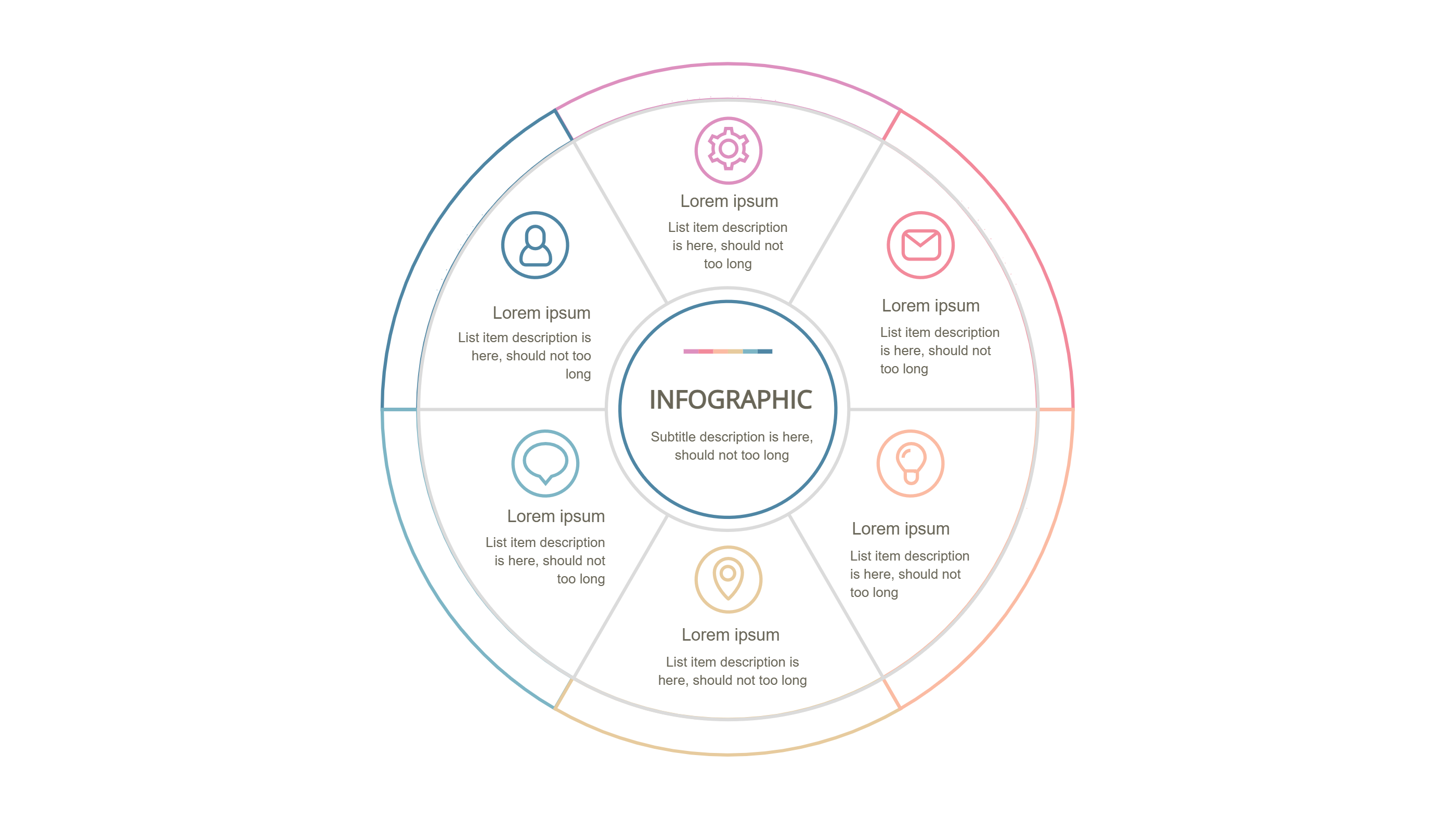
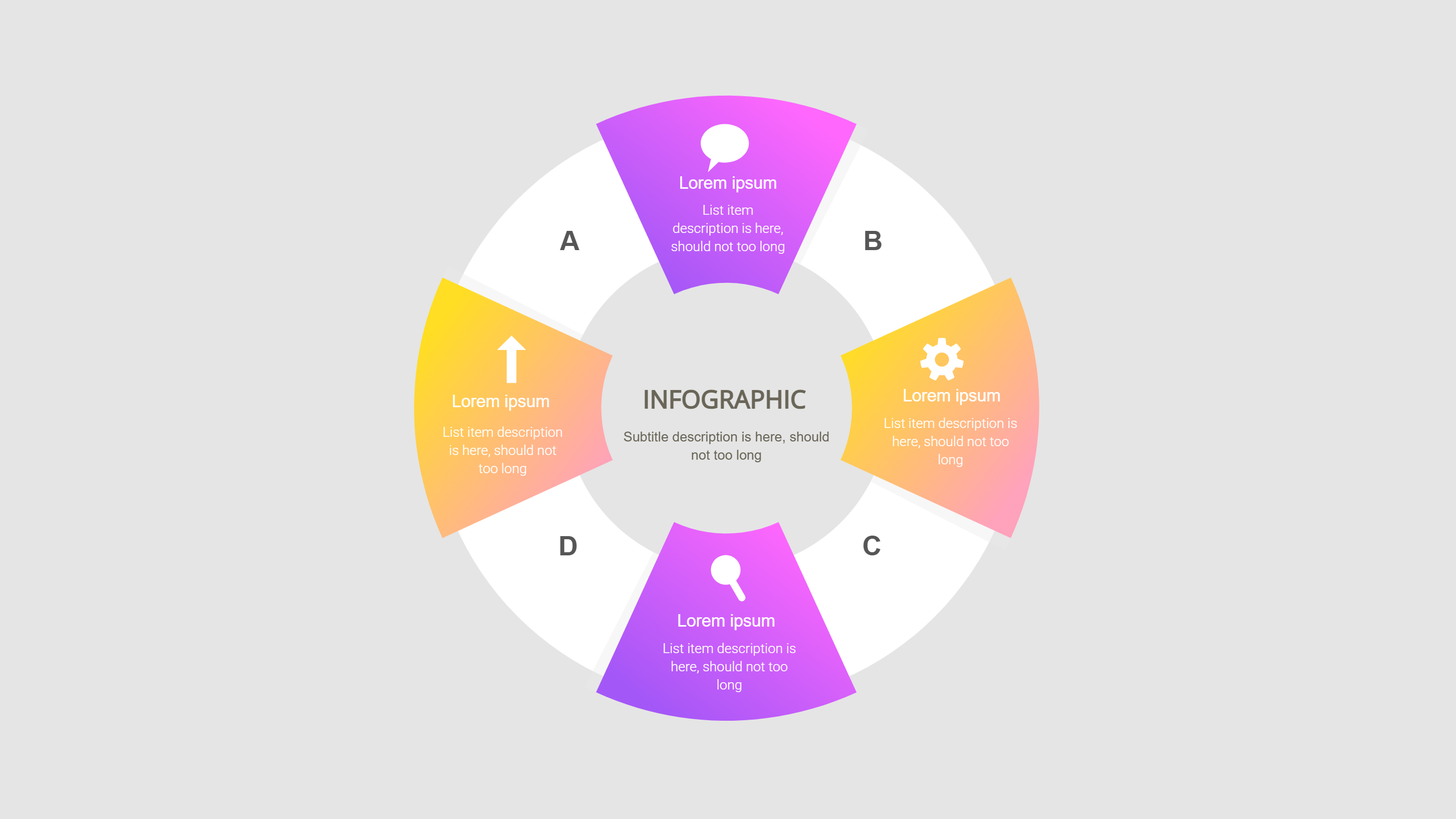
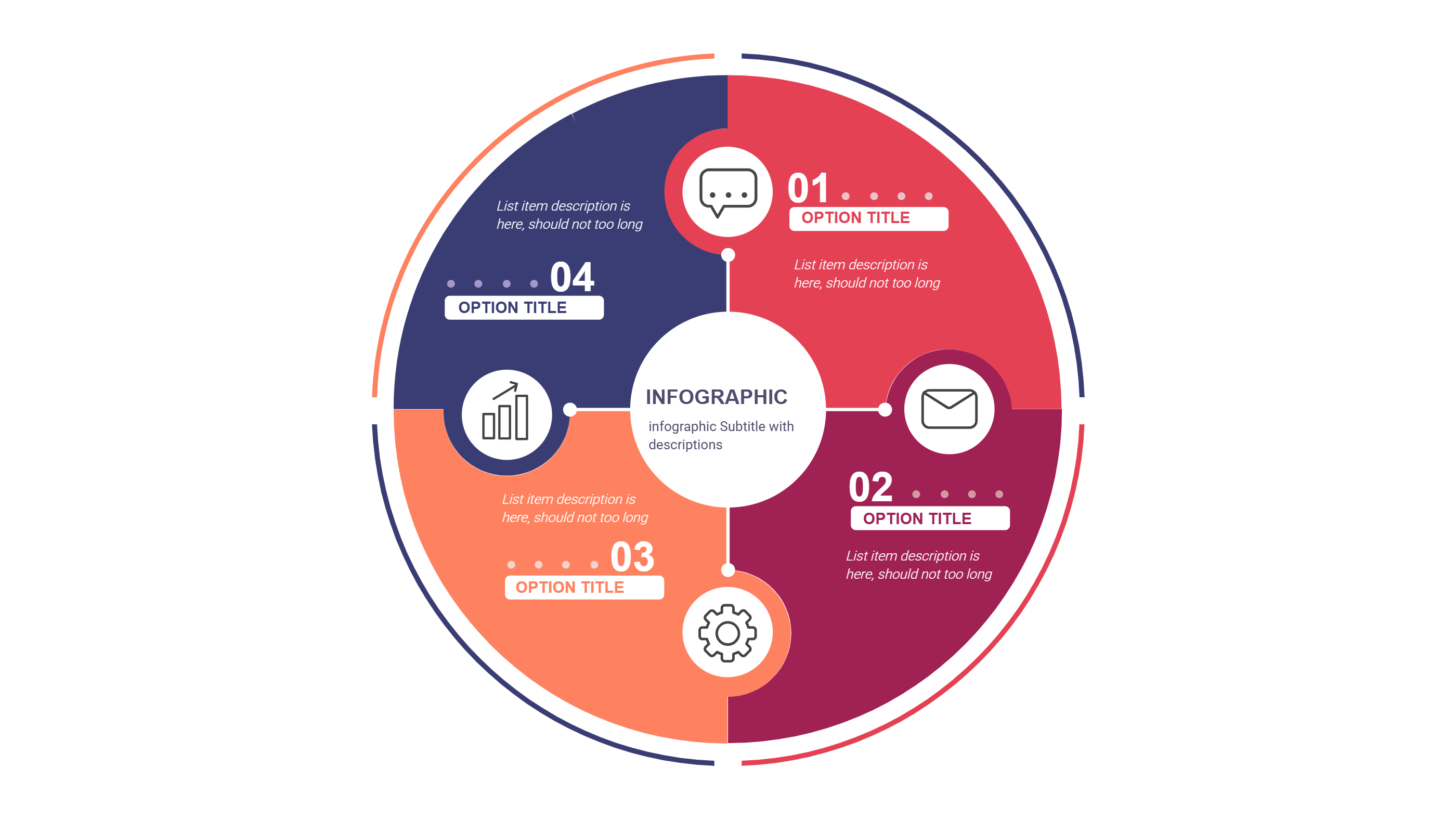
A Samsung Notes infographic is a visual layout that groups notes around a clear center. It turns scattered ideas into a neat mind map in one view. Short labels and small icons make each note easy to scan. The layout keeps the content light and friendly. It works well for study, meetings, or personal planning. Each branch can hold a short topic, a key point, or a task. This keeps the notes close to the main theme and easy to review.
This template style keeps a calm balance between text and space. It helps the reader focus on key points without feeling lost. You can place the main topic in the center and add related notes around it. The design supports study notes, meeting notes, and quick reviews. It is easy to add or remove branches as your notes grow. The layout stays clean even when you add a few extra labels.
When to Use Notes Mind Map Infographic
Use a notes mind map infographic when you want to group ideas by theme. It helps you see links between topics in a simple way. It is useful for class notes, meeting recaps, or a light project plan. The round layout makes the page feel balanced and calm. It also works for a weekly review in Samsung Notes. The template keeps each note short so the reader stays focused.
Download and Edit the Template
Click the download button and an online editor opens in a new tab. You can change the text, colors, icons, and blocks to match your content. Add or remove items to fit your story. When the layout looks right, click the save button. Choose PPT, PNG, or SVG when you download the file. You can keep a slide copy or share a clean image with your team.
How to Use Samsung Notes Template
On the home page, open the AI generator and select the Samsung Notes Template template. Write a short prompt that explains the labels and the order you need. The tool builds the infographic in the same layout style. Edit any block to match your content and save the result.
Examples of Samsung Notes AI Prompt Usage
Example 1:
A notes mind map for a study session. Put the main topic in the center and add branches for terms, examples, and review tips. Use soft colors and small icons so it feels like notes.
Example 2:
A meeting notes infographic that groups ideas by theme. Place a short topic in each branch and add a small label for action items. Keep the layout clean so the notes are easy to read.
Recommended Similar Infographic Templates
Related Template 1: GDD Template for Simple Game Design Notes
Related Template 2: ChatGPT Prompts for Infographics Reddit Brainstorm Template
Related Template 3: PowerPoint Concept Map Hexagon Infographic Template
Related Template 4: Concept Map Focus Areas Infographic Template
Related Template 5: Free Stakeholder Map Template for PPT Download
FAQs
Q: Can I use this Samsung Notes template for class notes?
A: Yes. It keeps topics grouped and easy to review.
Q: Is the layout good for quick meeting notes?
A: Yes. It lets you group ideas without long text.
Q: Can I change the center topic label?
A: Yes. You can rename it and adjust the size.
Q: Does it work in portrait slides?
A: Yes. The editor lets you resize the canvas.
Q: Can I export a PNG for sharing?
A: Yes. PNG is one of the download options.