Spotify Template for Music Style PPT Infographics
What is Spotify Template Infographic
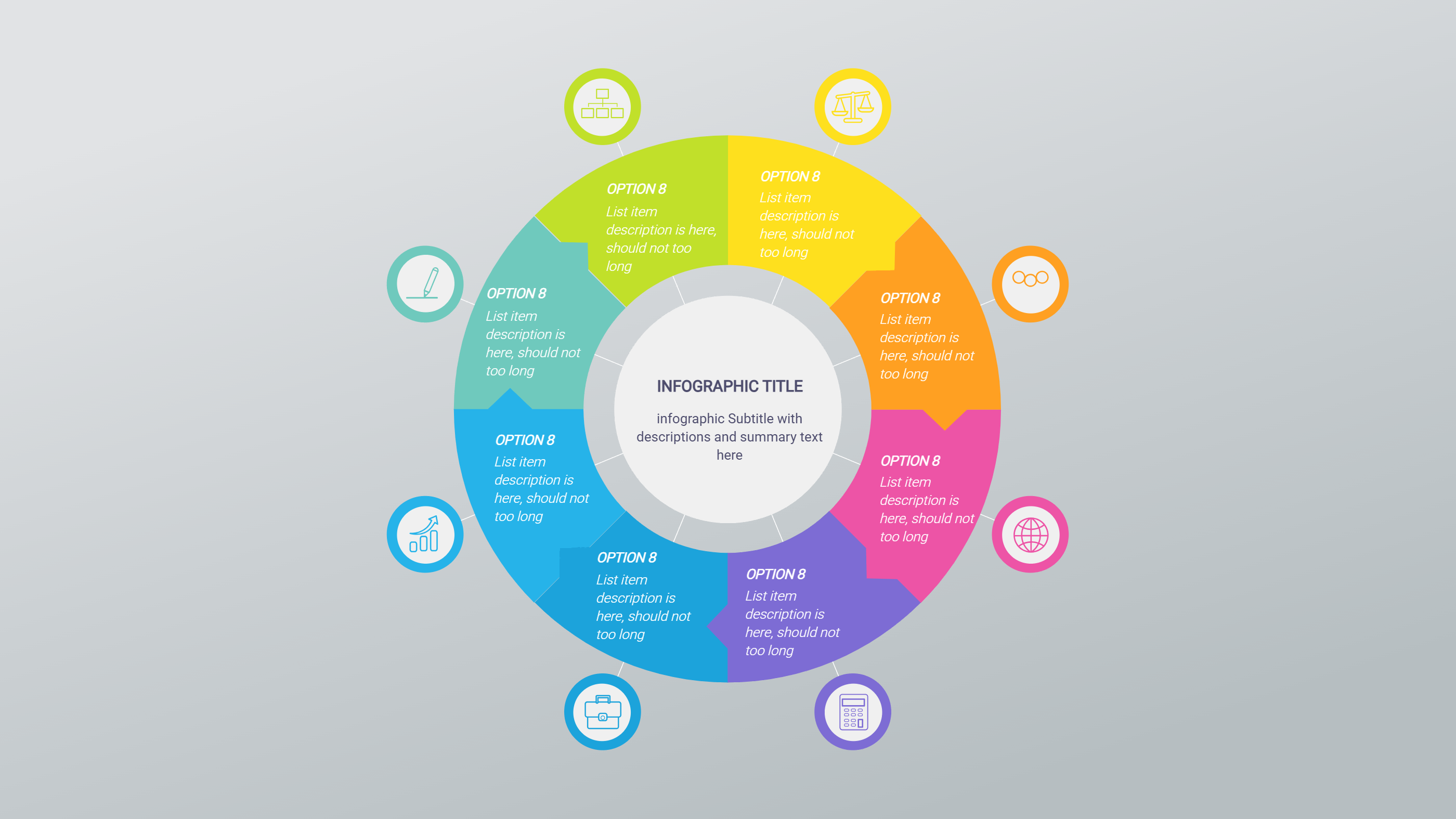
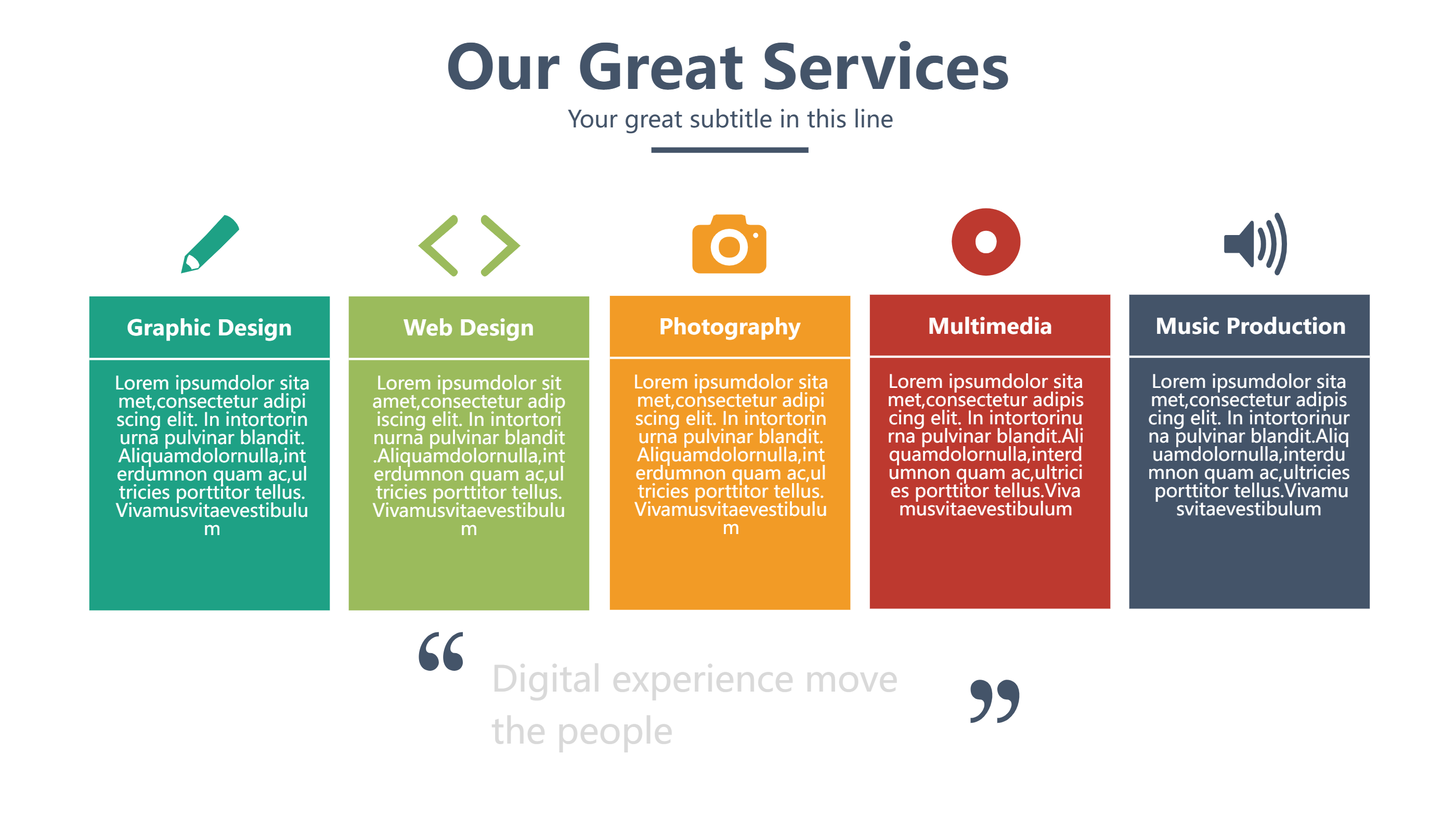
A Spotify template infographic is a music themed layout that shows listening habits and favorite tracks. It turns a playlist or music story into a clean visual page. You can show top songs, artists, moods, or weekly trends in short blocks. The style feels playful and friendly, which fits music topics well. It helps fans share their taste without long text. The Spotify template look keeps the content lively and easy to read.
When to Use Spotify Template Infographic
Use it to share a music recap, a playlist story, or a small music event. It is great for a personal post, a class project, or a fan club update. It also fits a band or creator who wants to show new tracks. The layout is light and simple, so people can scan it fast. It can be shared as a slide or a social image. It helps keep the music story short and clear.
How to Use the Spotify Template with AI
Open the homepage and start the AI generation tool. Choose the Spotify template layout. Write a short prompt with your top songs, artists, or mood. The tool fills the page with clear labels and short notes. Review the result and edit any names or numbers. You can also change colors to match your style. Save the version that feels fun and clean.
How to Download and Edit the Spotify Assets
Click the download button to open the online editor. You can edit text, swap icons, and move sections with ease. When the layout looks right, press save and choose PPT, PNG, or SVG. You can return later to update the list or add new songs. This makes the template useful for many updates.
FAQ
Q: Can I use this for a weekly music recap?
A: Yes, it works well for a short weekly update.
Q: Can I show more than one playlist?
A: Yes, you can add extra blocks for more lists.
Q: Is it ok to use artist photos?
A: Yes, you can add small images in the editor.
Q: Will it look good on a slide deck?
A: Yes, the layout is made for PPT use.
Q: Can I edit the colors for a different mood?
A: Yes, you can change colors any time.