Figma Cheat Sheet Template for Quick PPT Infographic Guides
What is Figma Cheat Sheet Template Infographic
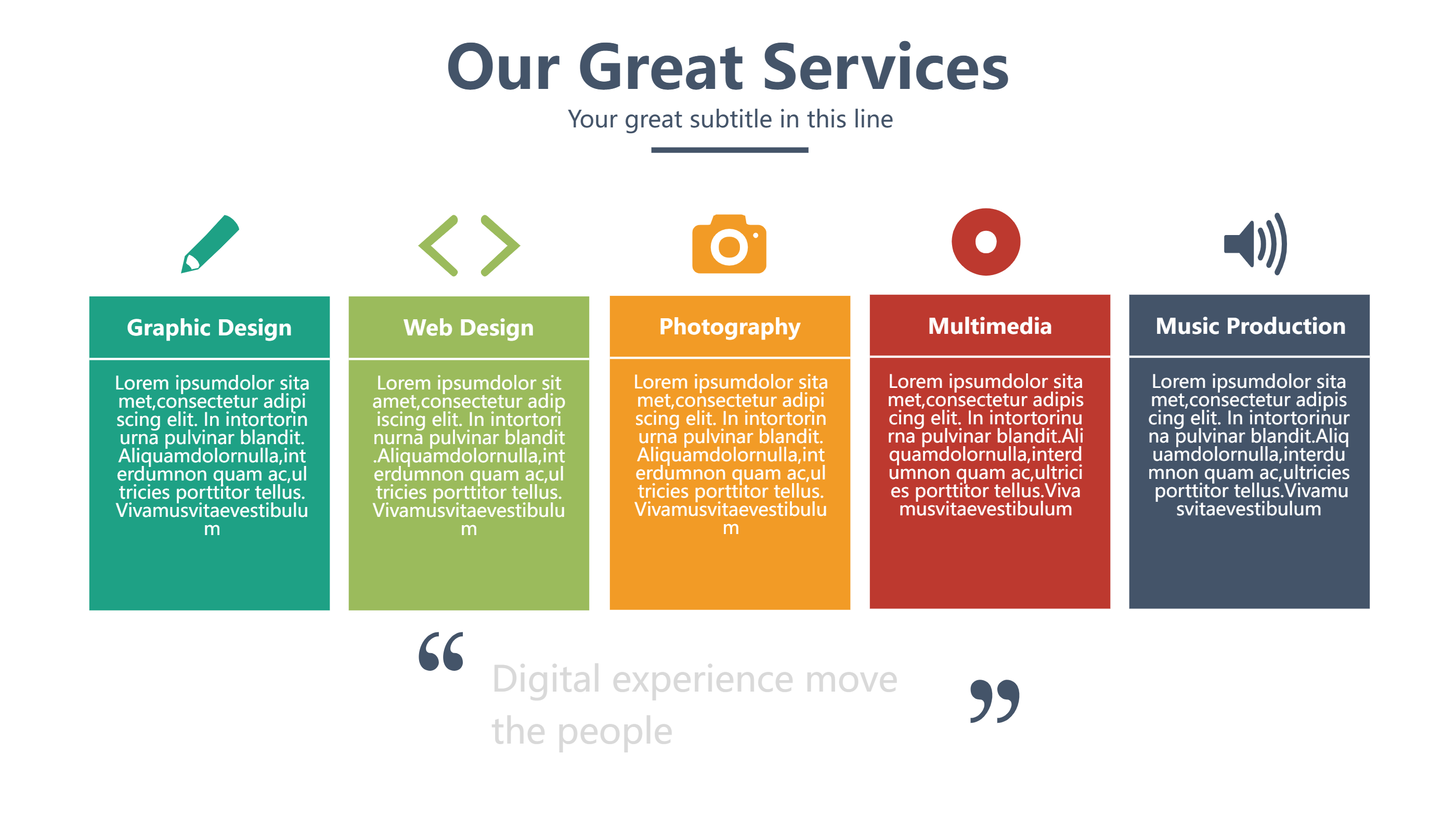
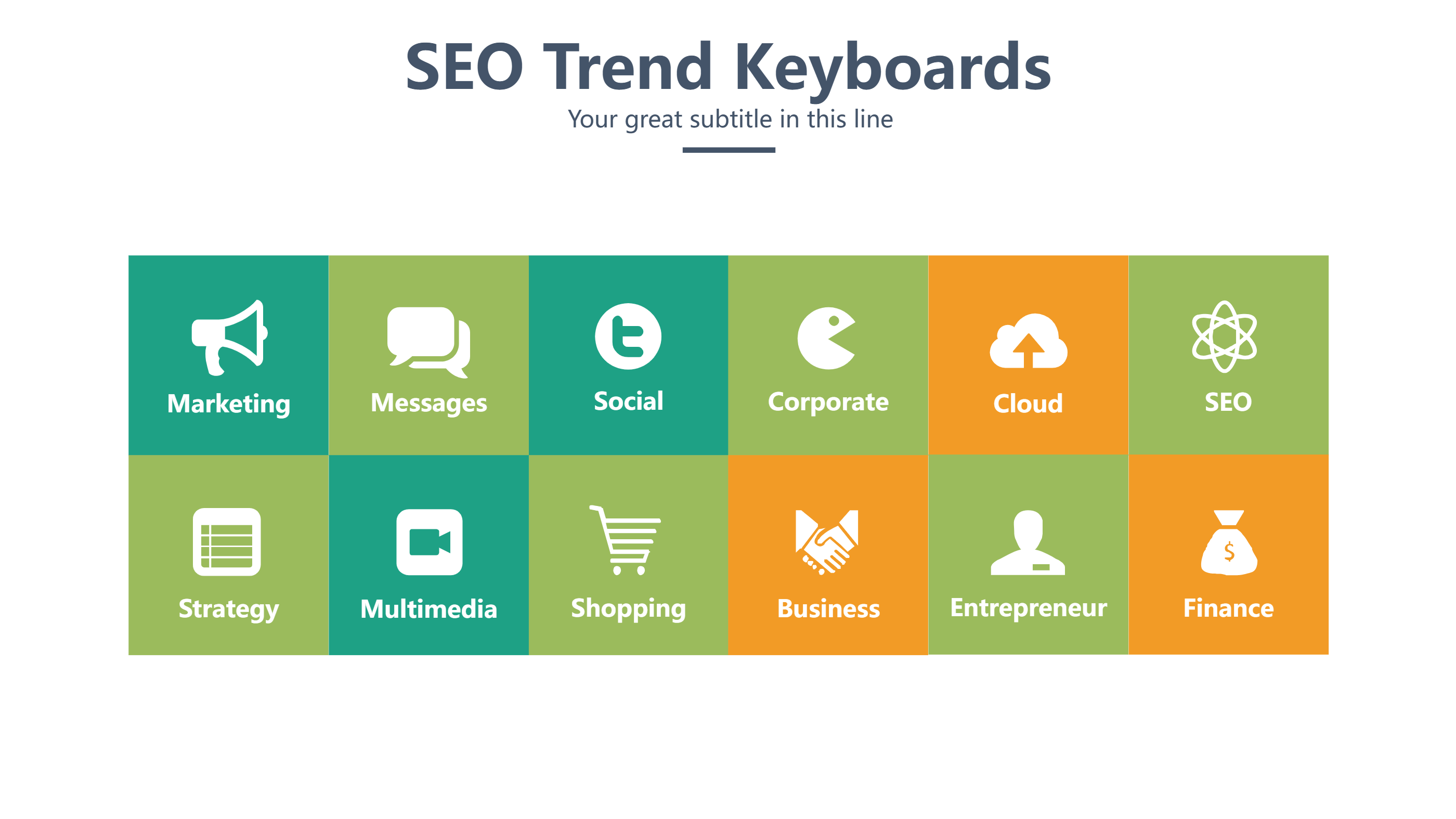
A Figma cheat sheet template infographic is a fast reference page for design tasks. It gathers key tips, shortcuts, and layout notes in one view. The grid style keeps each point small and easy to read. It helps people learn or review the basics without long reading. You can use it to show tools, symbols, or steps in a clear order. The Figma cheat sheet template look makes the guide feel tidy and helpful.
When to Use Figma Cheat Sheet Template Infographic
Use it for class handouts, team onboarding, and quick training sessions. It is also useful for a project brief when you want to align the team. A cheat sheet helps new users feel calm and focused. It works well in workshops and online meetings where time is short. It can also be printed as a desk guide or shared as a slide. The format makes the most important notes easy to scan.
How to Use the Figma Cheat Sheet Template with AI
Open the homepage and launch the AI generation tool. Pick the Figma cheat sheet template layout. Write a short prompt with the topics you want to cover. The tool fills the grid with short labels and lines. Review the result and adjust the words to keep them short and clear. You can replace icons or change colors to fit your brand. Save the version that feels clean and easy to follow.
How to Download and Edit the Figma Cheat Sheet Assets
Click the download button to open the online editor. You can edit any text, move blocks, and adjust colors in seconds. When you are happy with the layout, press save and choose PPT, PNG, or SVG. You can also return later to update the guide as tools change. This makes the cheat sheet useful for many updates and uses.
FAQ
Q: Can I keep the cheat sheet very short?
A: Yes, short labels work best for quick reading.
Q: Is this only for designers?
A: No, it can guide anyone learning a simple tool.
Q: Can I add my own icons?
A: Yes, you can swap icons in the editor with ease.
Q: Will it work as a handout?
A: Yes, you can print or share it as a slide.
Q: Can I reuse the same layout for other topics?
A: Yes, the grid works for many topics and teams.