PowerPoint Timeline Template (Free Simple Layout)
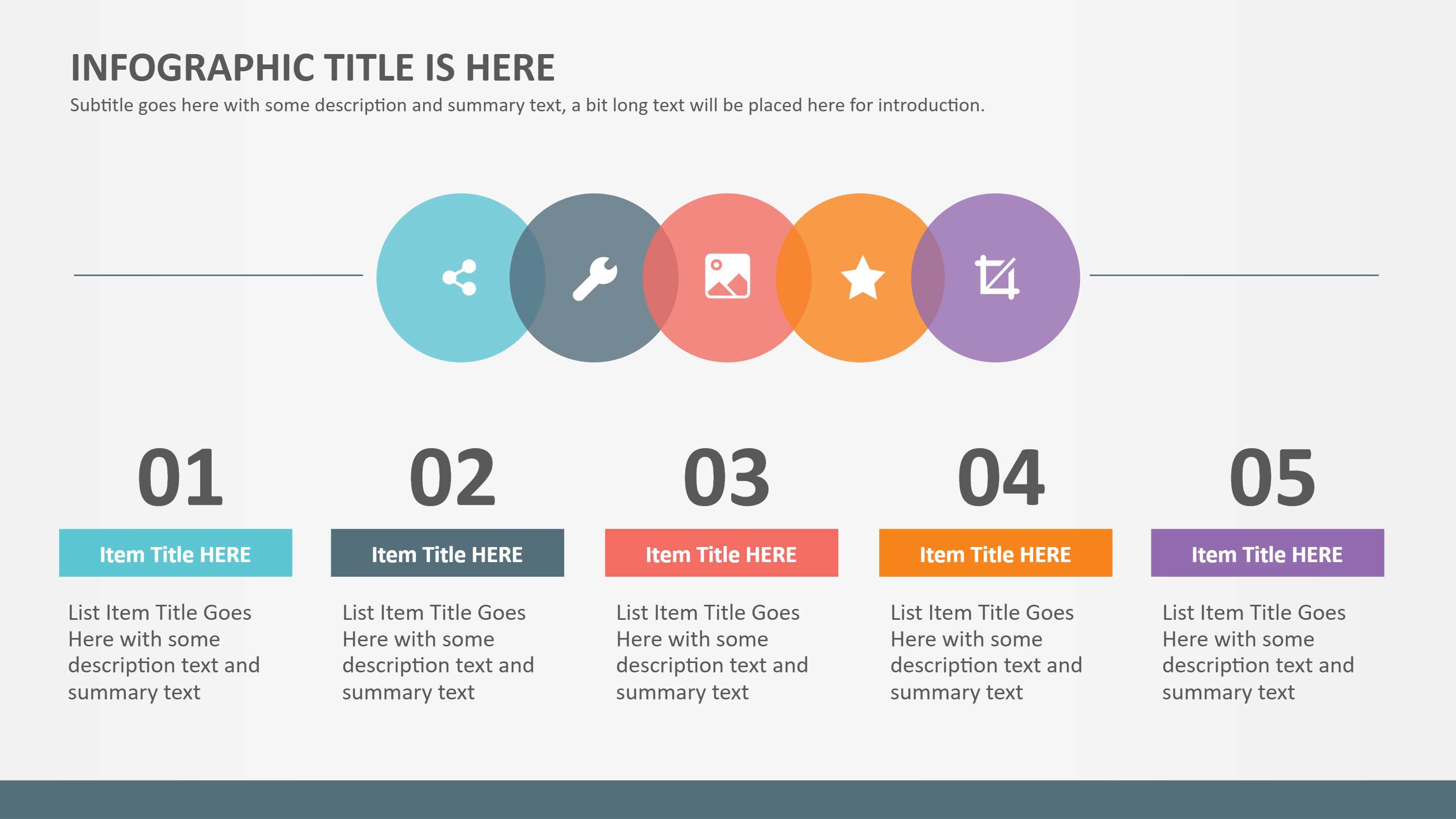
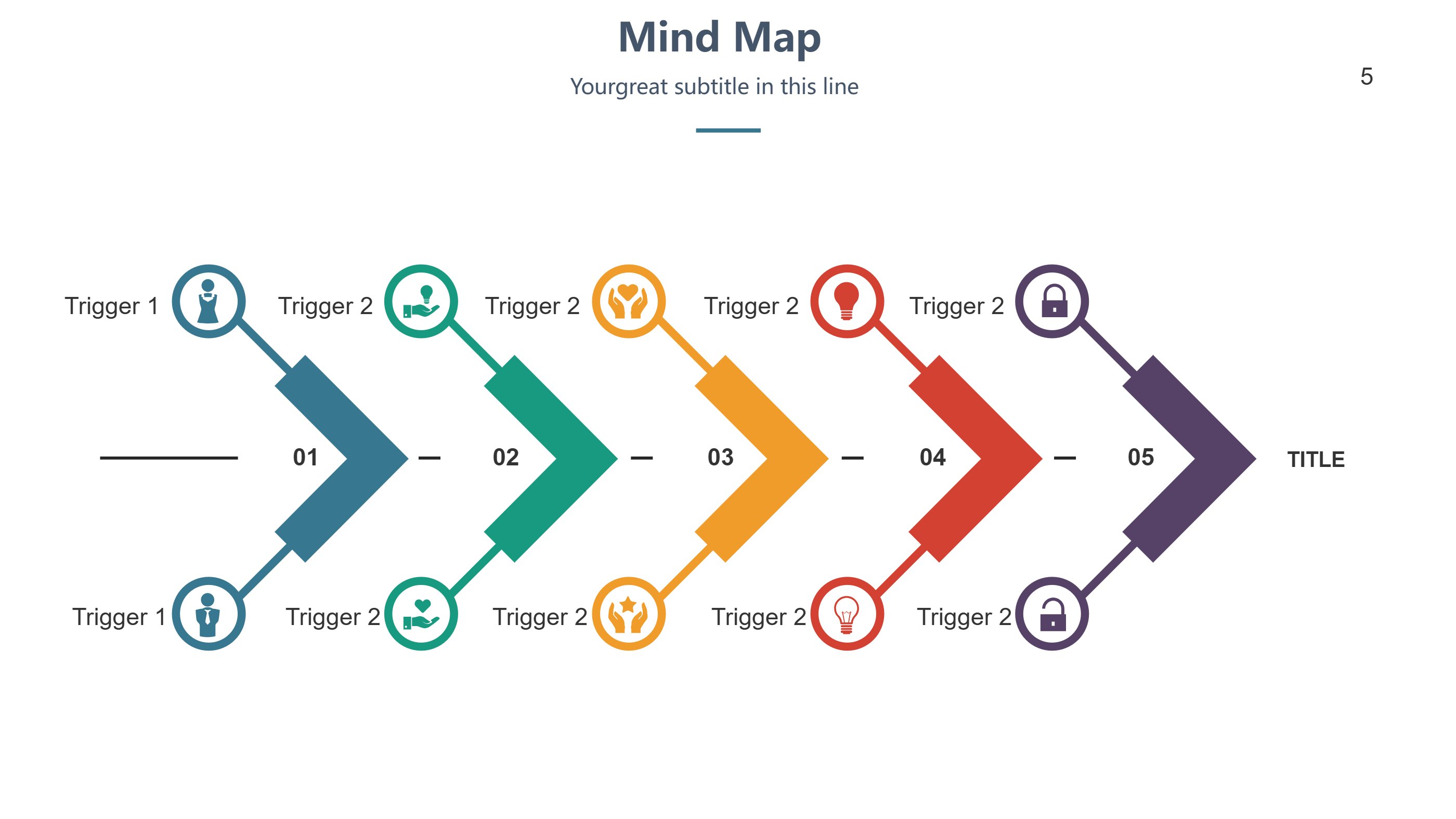
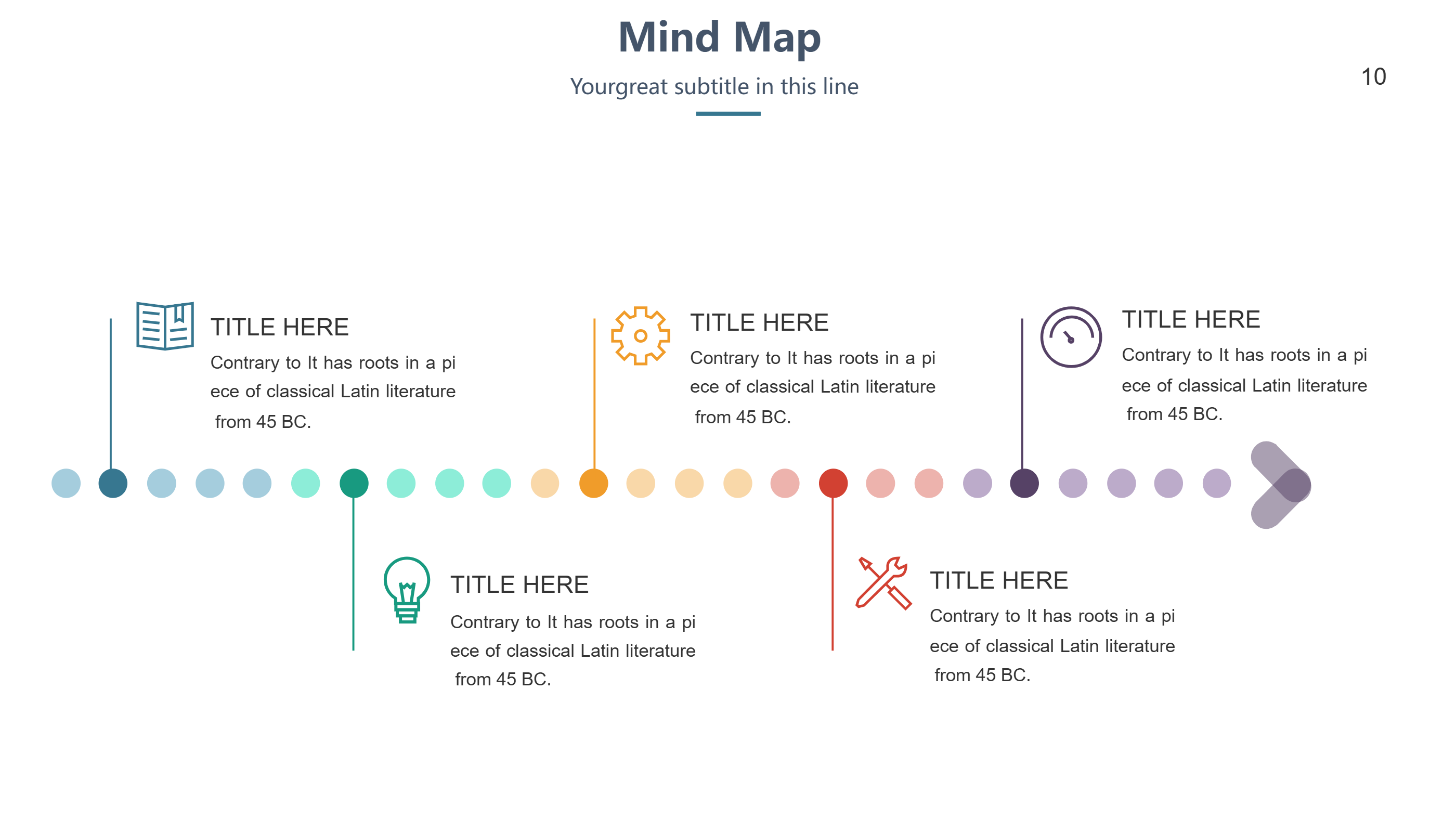
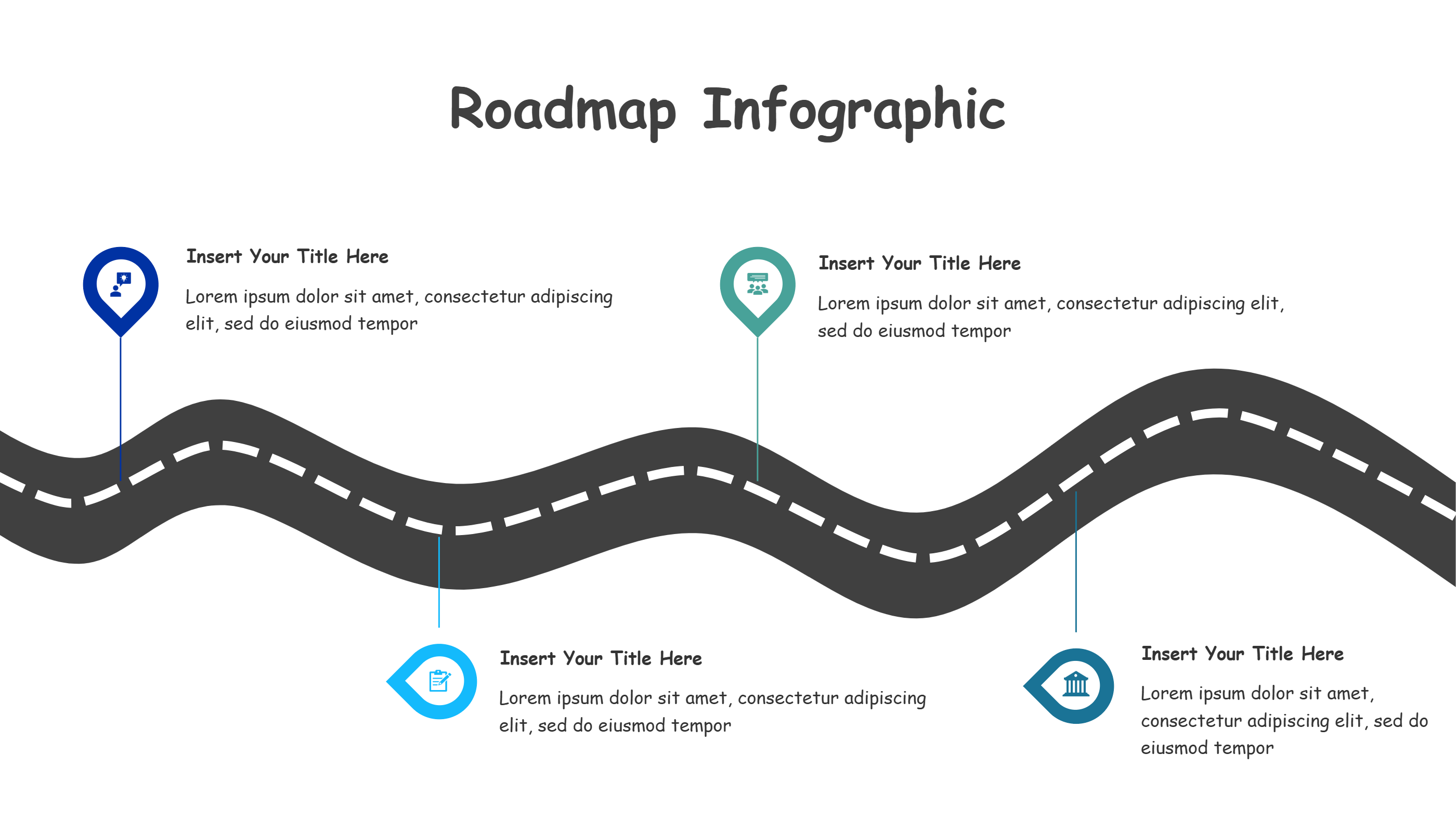
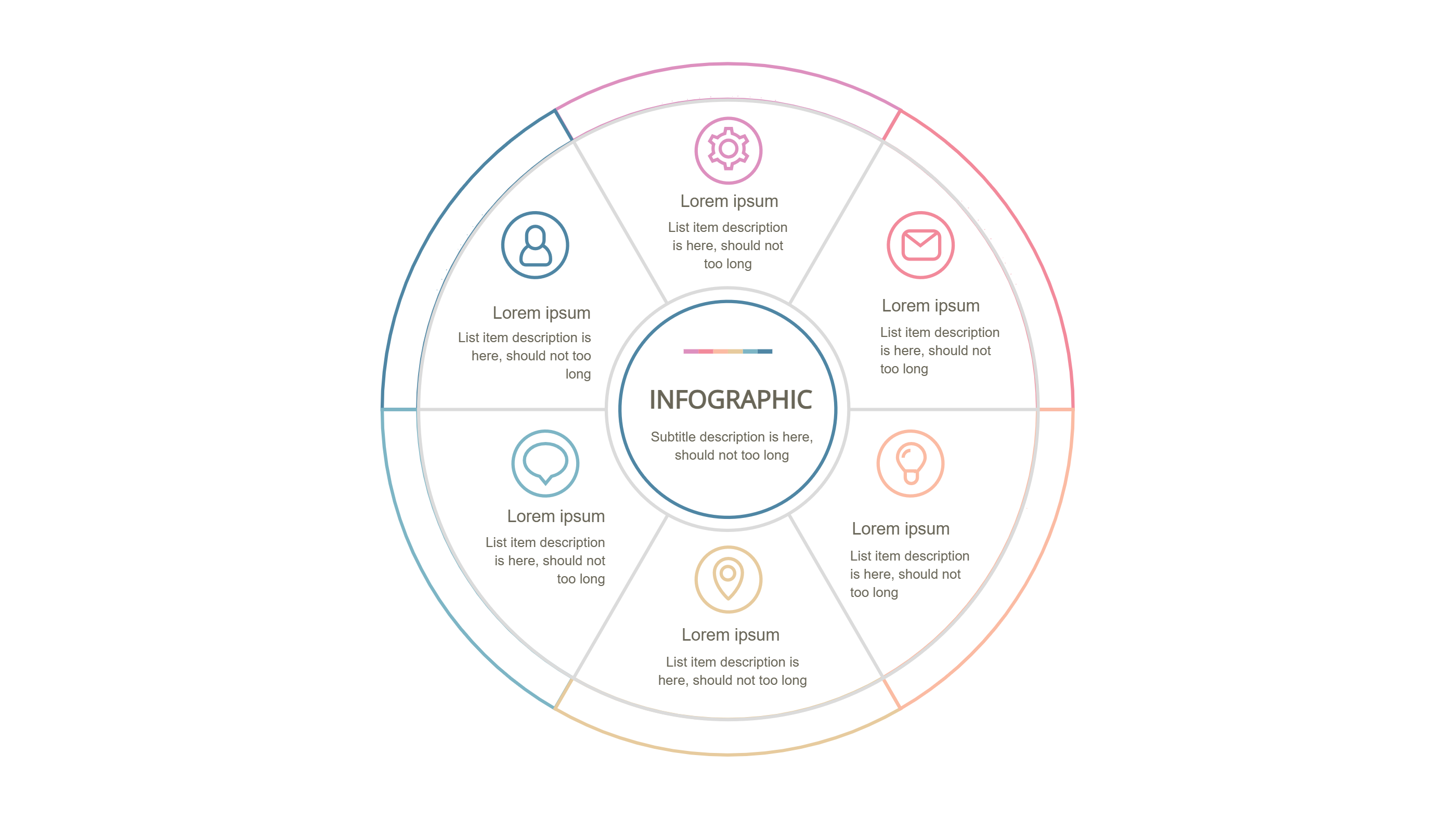
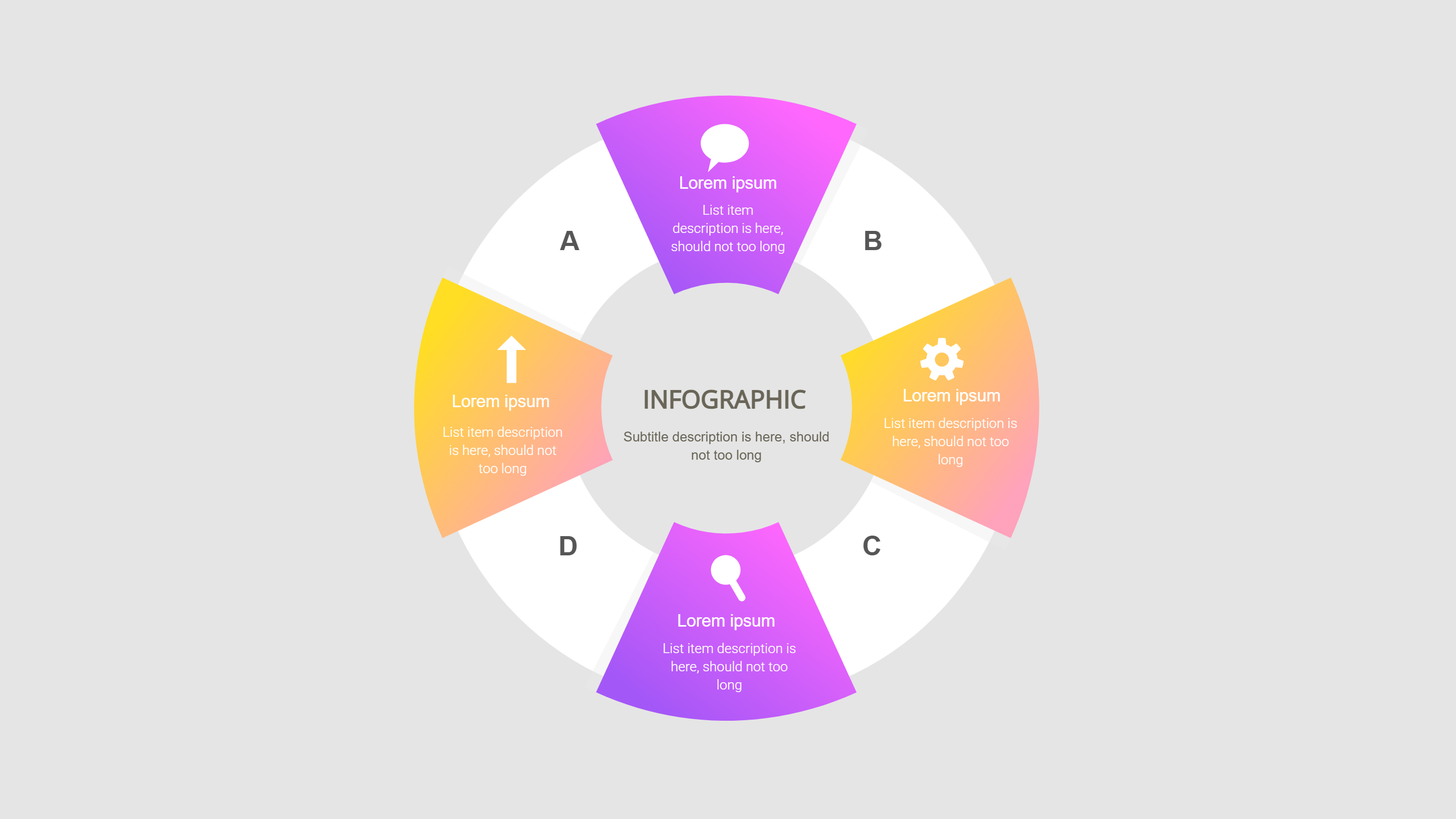
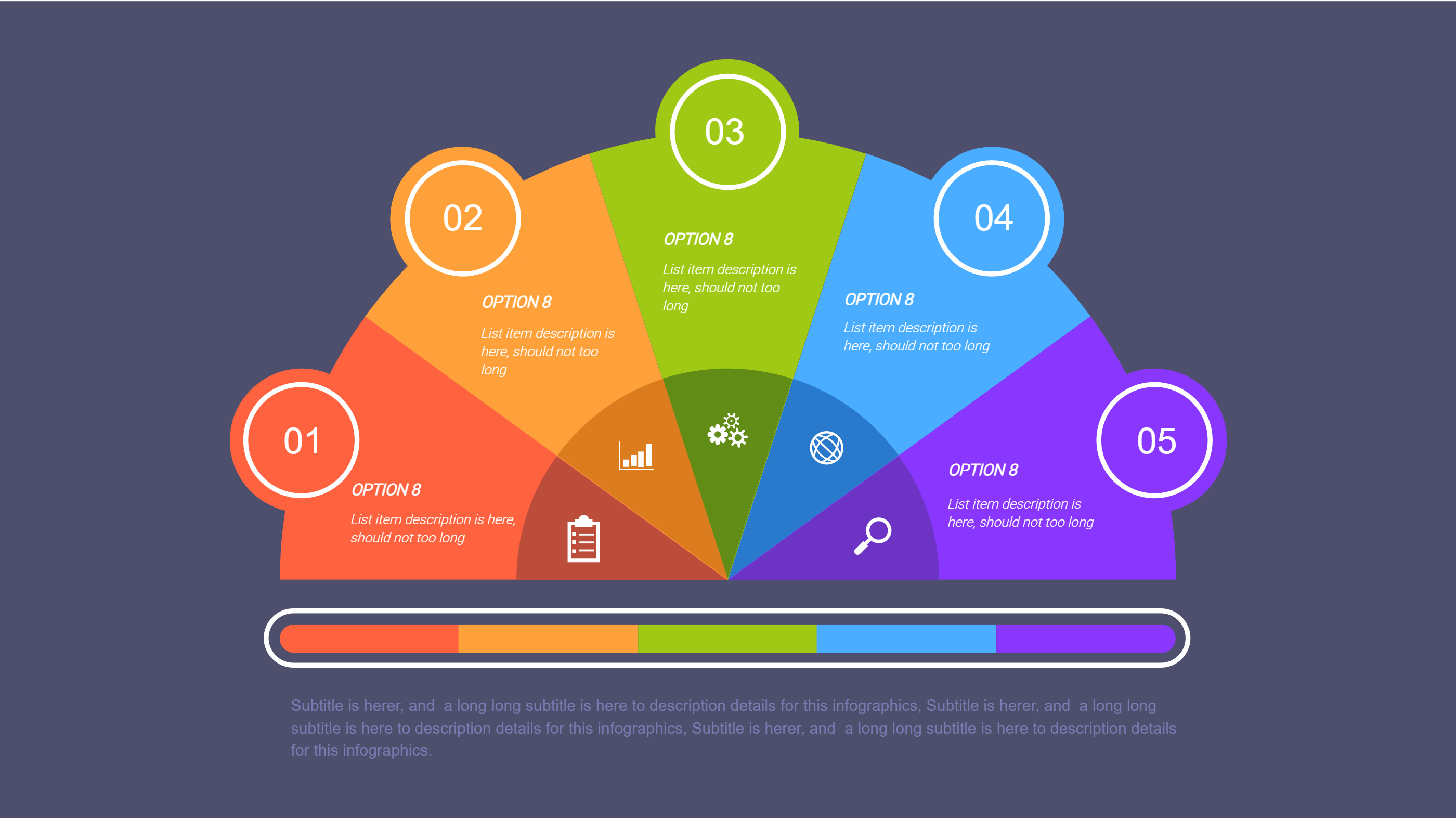
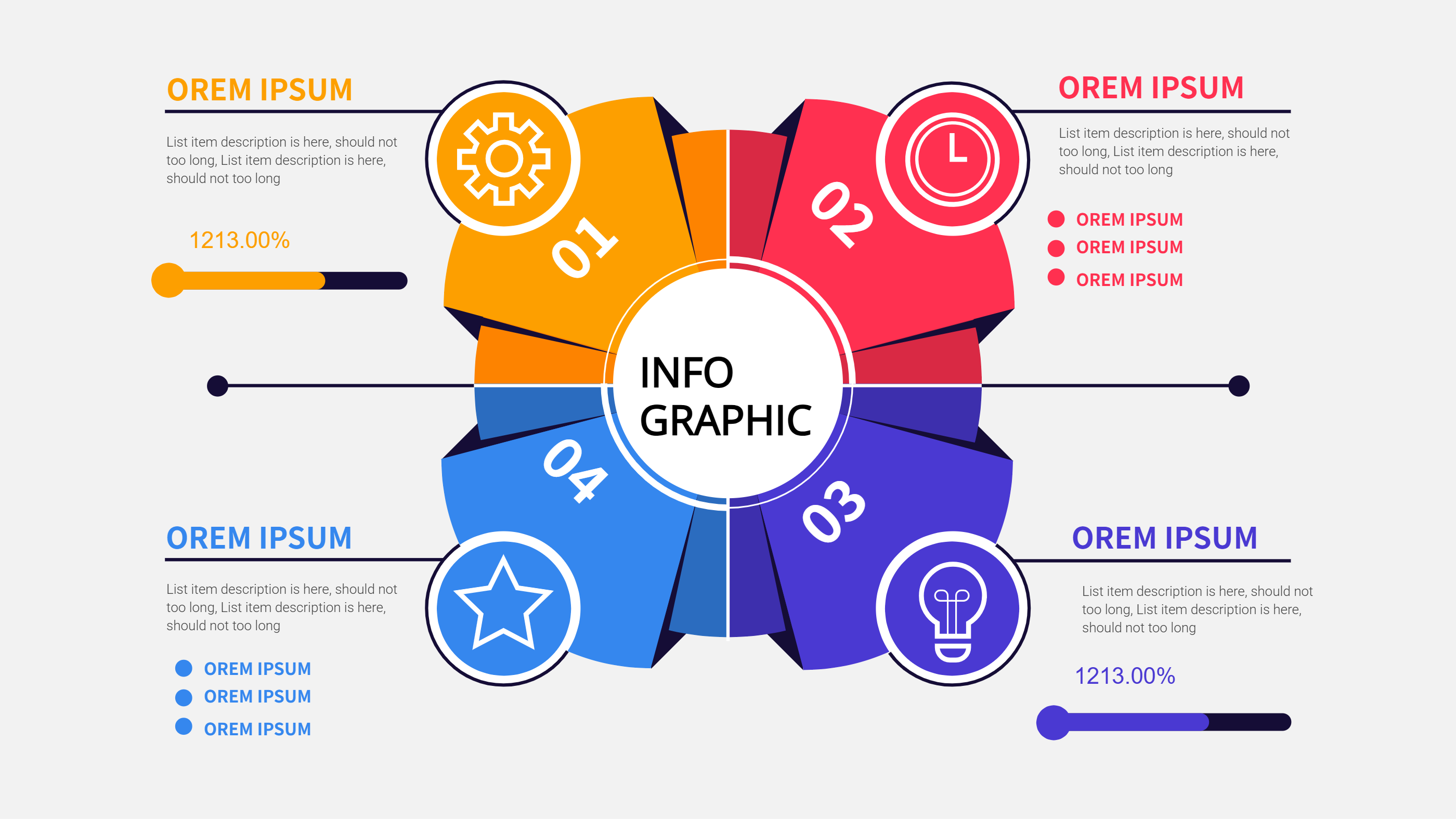
This PowerPoint timeline template uses five icons along a clean line so you can show a simple story on one slide. Each circle pairs with a short caption below, giving you space for dates, owners, and quick notes. The balanced spacing keeps the slide readable in meetings, webinars, and screen shares.
Use it for project phases, training steps, or marketing drops. Keep captions to one sentence so viewers grasp the point fast. Swap icons to fit your topic, and match colors to your brand for a polished look. Because the layout is light, you can duplicate the slide across a deck without making it heavy. Add small highlights for the most important deadline to guide the audience.
Export the slide as an image for emails or PDFs if you need an easy share. Use speaker notes for details you do not want on the slide. The line stays steady if you add or remove one step, so you can adapt it as plans change. The design also fits vertical screens if you stack two slides for tall displays.
Open the AI creation tool on the homepage, choose this template, and enter your prompt to generate the infographic. This PPT-friendly timeline keeps your story tidy, saves design time, and helps audiences track the sequence in seconds.