Concept Map Focus Areas Infographic Template
What is Concept Map Focus Areas Infographic
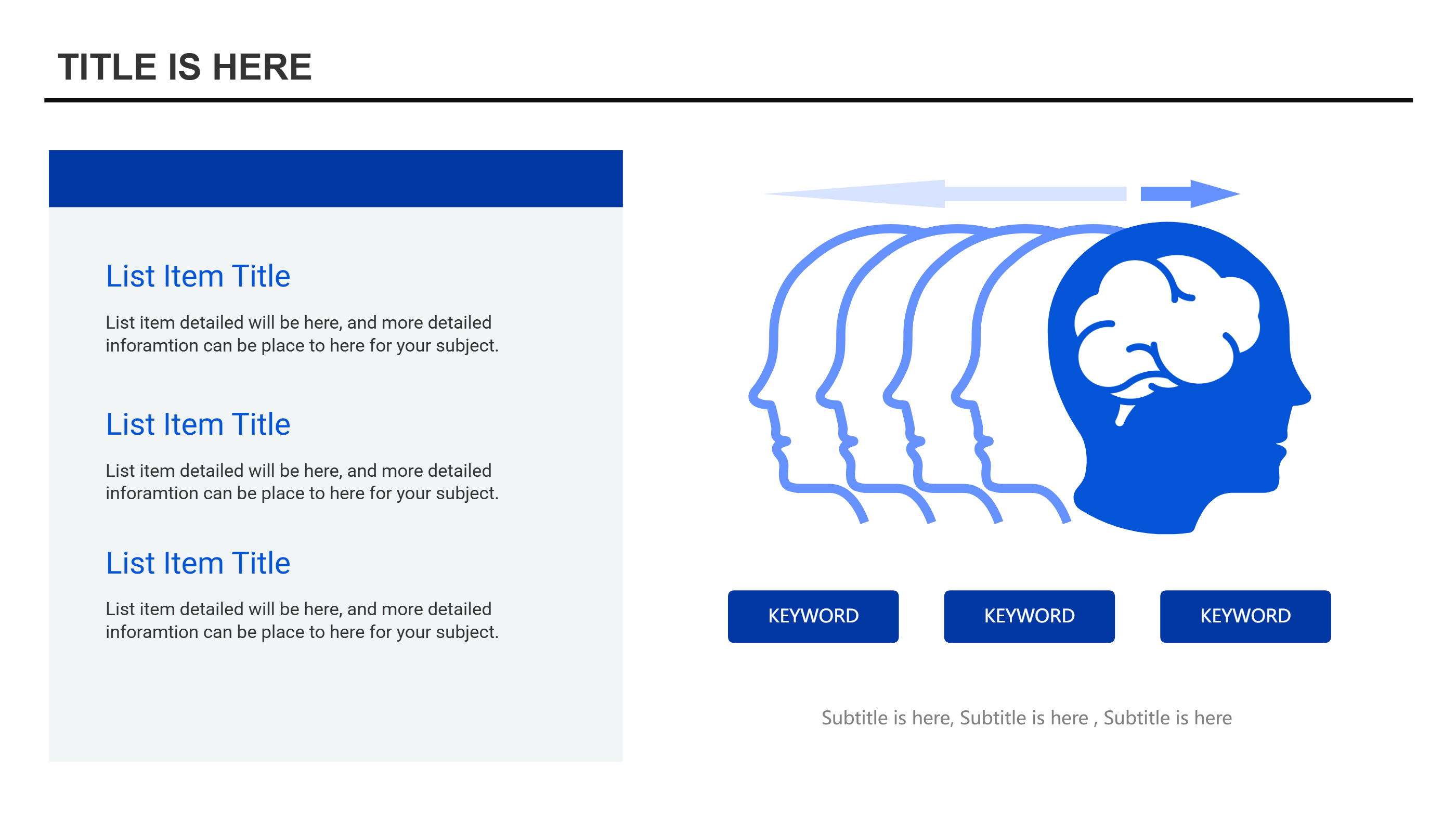
A concept map focus areas infographic shows a main idea with a few clear focus points. This template places a head shape on one side and three callouts on the other side. Each callout has space for a short label and a brief note. The layout is simple, so the reader can grasp the message fast. It works as a concept map without complex branches. The balance of the three points keeps the view calm and easy to scan. You can use it to show thoughts, needs, or goals in a clean way. The design fits a PPT slide and stays readable on a small screen. It helps teams talk about key ideas without extra noise. This concept map focus areas infographic template makes a tidy visual for quick reviews.
When to Use Concept Map Focus Areas Infographic
Use this concept map focus areas template when you need to show three key ideas side by side. It works for lesson goals, workshop themes, product focus, or team values. It is useful for coaching plans and study guides where clarity matters. The layout also fits customer research notes and simple project planning. The callouts keep the message short and direct. Use it in class, online lessons, or meeting slides. The head shape can stand for a learner, a customer, or a team. The three points can show needs, actions, or outcomes. It is a good choice when you want a clean PPT template that feels friendly and easy to read. It also prints well for handouts.
How to Use Concept Map Focus Areas Infographic Template
On the home page, open the AI generation tool. Choose the concept map focus areas template from the list. Enter a short prompt with the main idea and three focus points. The tool builds the infographic in the same layout and style. Review the labels and keep them brief. Change colors and icons to match your topic. Save the result when it looks right. This gives you a ready slide you can present or edit.
Download and Edit the Template
Click the download button to open the online editor. Replace the sample text with your own words. Keep each focus point short so the map stays clear. Adjust the colors to group related ideas if needed. You can swap the head graphic for another simple symbol. Click the save button when you finish. Choose PPT, PNG, or SVG for the file format you need. Download the file and share it with your team or class.
Examples of Concept Map Focus Areas AI Prompt Usage
Example 1:
Create a concept map with a head shape and three focus areas for study habits. Use the labels focus time, practice, and review. Keep the notes short and clear.
Example 2:
Make a focus areas concept map for a product launch. Put the product name as the main idea. Use three callouts for audience, message, and channels. Keep the style clean for a PPT slide.
Example 3:
Design a concept map for a coaching session. Show the main goal and three focus points for skills, mindset, and support. Use simple colors and short phrases.
Recommended Similar Infographic Templates
Related Template 1: Circle Diagram Template for PPT Download
Related Template 2: PowerPoint Concept Map Hexagon Infographic Template
Related Template 3: Free Stakeholder Map Template for PPT Download
Related Template 4: Infographic in Video Hub Layout Template
FAQs
Q: Is this concept map focus areas template easy to edit?
A: Yes, you can change the labels and notes in the online editor.
Q: Can I replace the head icon?
A: Yes, you can swap it for a simple symbol that fits your topic.
Q: How many focus points should I use?
A: Use three points to match the layout and keep the message clear.
Q: Can I use this template for class handouts?
A: Yes, it prints well and stays readable on one page.
Q: Can I share the PPT with my team?
A: Yes, you can download a PPT file and share it with others.